Build cost
 WalletJump · Product engineering · 2025–now
- Role
- Lead product engineer
- Scope
- Engineering · Design system · CMS · Infrastructure
- Visual design
- Rick van Grinsven
Public site, Studio, AI search and edge services.
I built WalletJump’s frontend and publishing system.
There are four parts to it: a shared component library, a Sanity Studio where editors assemble and preview routes, an Astro frontend, and a set of Cloudflare Workers doing search, media and backups. Together they run the 104 public URLs that make up WalletJump: comparisons, reviews, articles, expert pages.
View WalletJump live (opens in a new tab)↗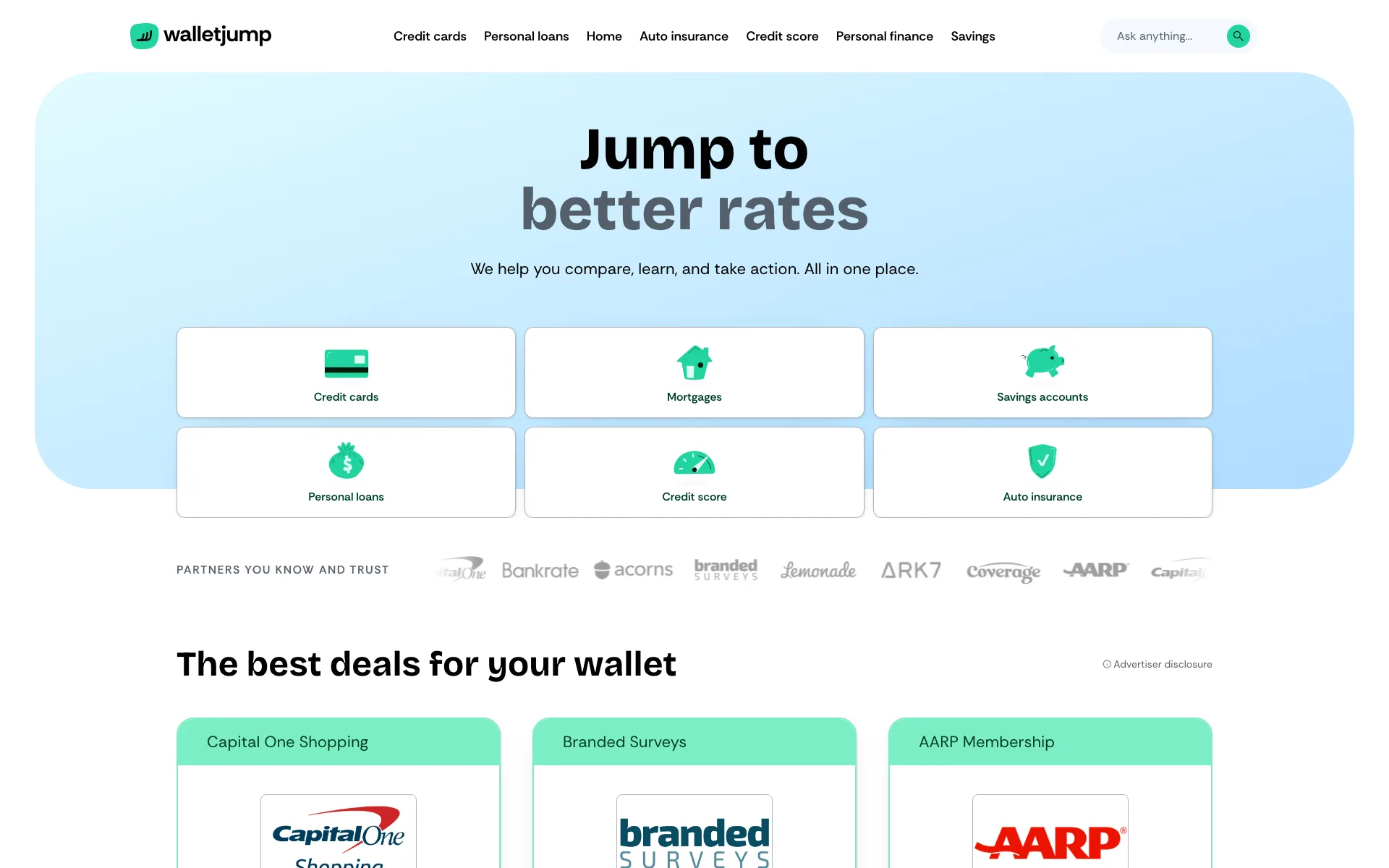
The challenge
Financial content gets complicated fast.
A comparison needs compact filters and a lot of product data. A review has to show who wrote it and what the verdict rests on. An article just needs room to read. On top of that, editors want to reuse product facts and see exactly what they are about to publish. Three page types with genuinely different demands.
- Keep facts consistent
- Product data, authorship and disclosures come from the governed source wherever they appear.
- Fit the layout to the screen
- Dense comparison data gets a different order on a phone.
- Preview the actual route
- Editors check the right route, at the right width, before they publish.
Across screens
The layout adapts to the screen it is read on.
A large display can hold a whole category at once. A laptop keeps filters and results in one workspace. On a tablet the review gets room to breathe, and on a phone those same fields turn into a short sequence of choices.
Scroll through four live views.-
External display
ExploreThe whole category fits on screen.
On a wide screen, the navigation and category routes can sit together. A reader can scan the options before choosing where to start.
-
Laptop
CompareFilters and results stay together.
Filters, result count, product data and disclosures share one workspace. Changing a filter does not erase the context around it.
-
Tablet
ReadThe review gets more room.
Product details, the author and fact checking move forward. Secondary desktop structure falls away and the article becomes easier to scan.
-
Phone
FilterFilters stay within thumb reach.
Filters and product fields form one column. The reader can change a preference, check a result and continue with one hand.
Content ownership
I separated page order, placement, content and rendering.
The page controls order. The placement holds presentation that is local to that page. The source document owns anything reusable.
- 01
Page
Stores the route and block order.
- 02
Placement
Stores the local background and variant.
- 03
Source document
Stores reusable content and validation.
- 04
Renderer
Renders the component in Studio and Astro.
Editorial effect
A source edit updates every route that uses it.
Pages keep their local presentation. Copy and validation stay attached to the shared source document.Navigation Hero
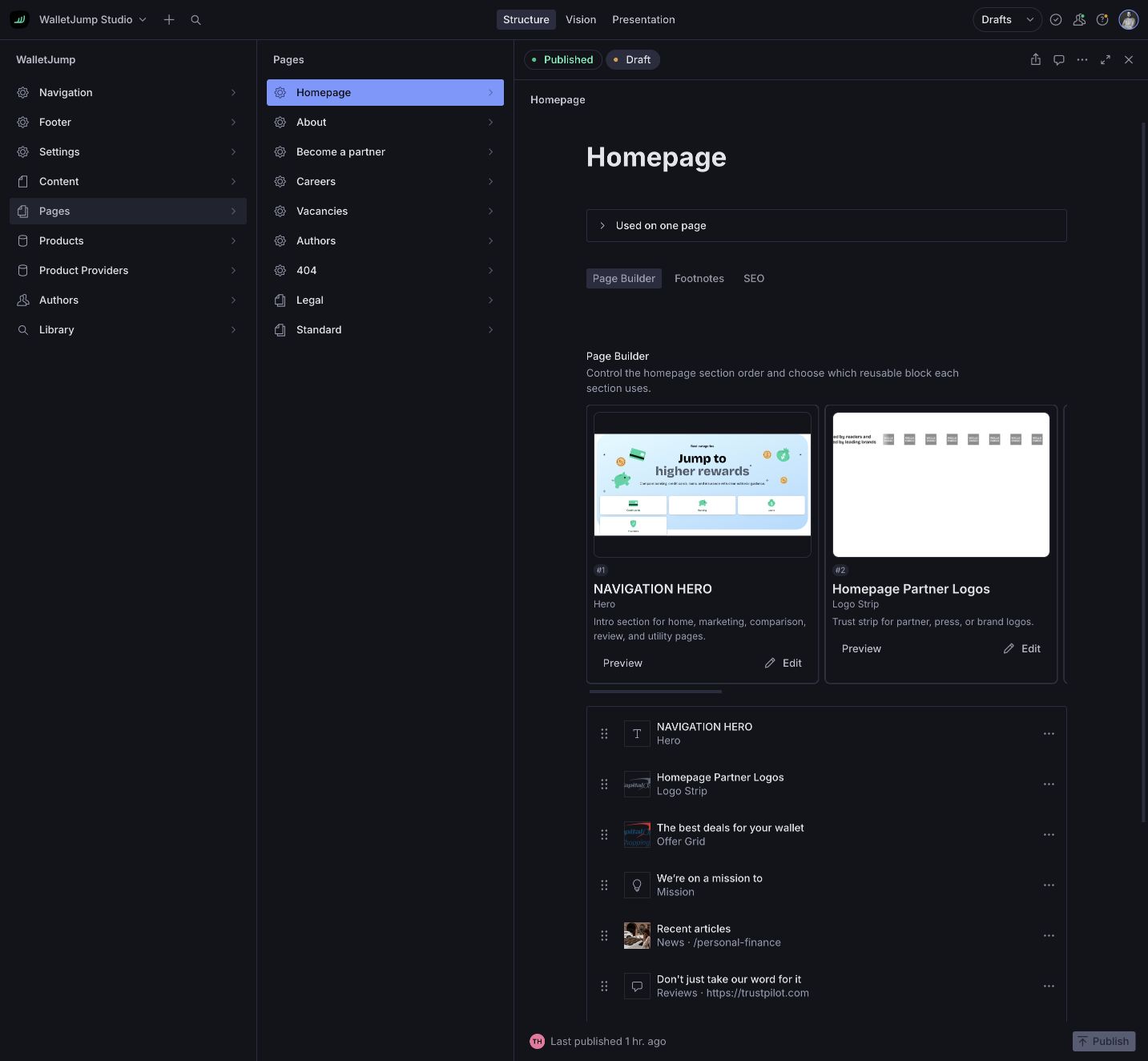
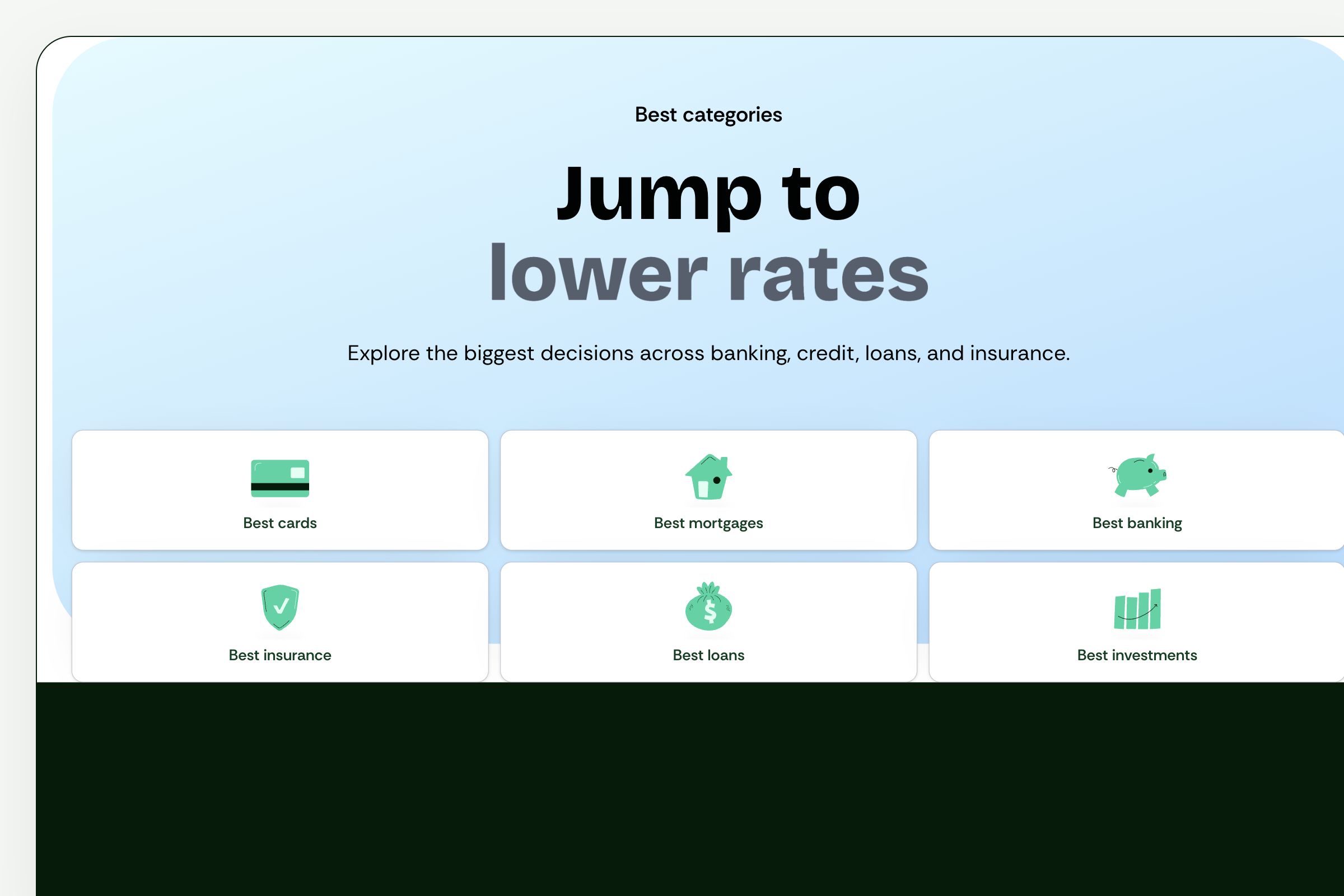
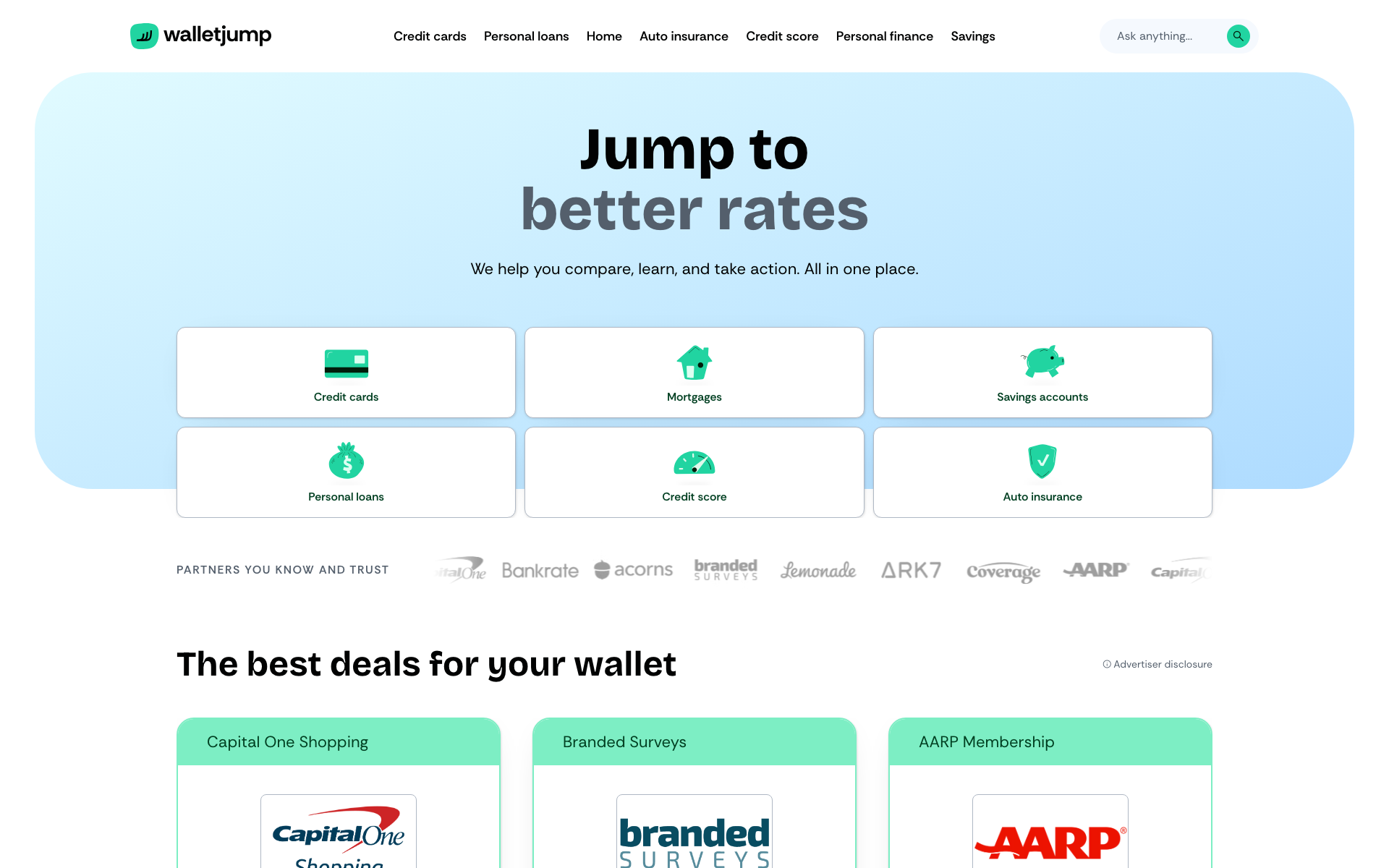
The Navigation Hero shows how the publishing system works.
One component: Figma frame, Storybook, Sanity, live Astro route. Figma fixes the reading order, Storybook tests the production props, Sanity stores the content, and Astro renders the page.
- Figma
- Storybook
- Sanity
- Astro
Figma specification
Lock the mobile reading order first.
Six category links need a deliberate order, especially when labels wrap.
I used the mobile layout to define content order, card density and changes at each breakpoint.
The 390-pixel Figma frame records the order engineering must preserve.

Storybook component
Test the component outside Figma.
Figma cannot expose invalid props or states between the designed widths.
I built MainHero in Storybook with the variants used by Sanity.
The stories document the component and supply thumbnails to the block picker.
Sanity source block
Make the hero reusable.
Copying hero fields between pages would create separate drafts and validation rules.
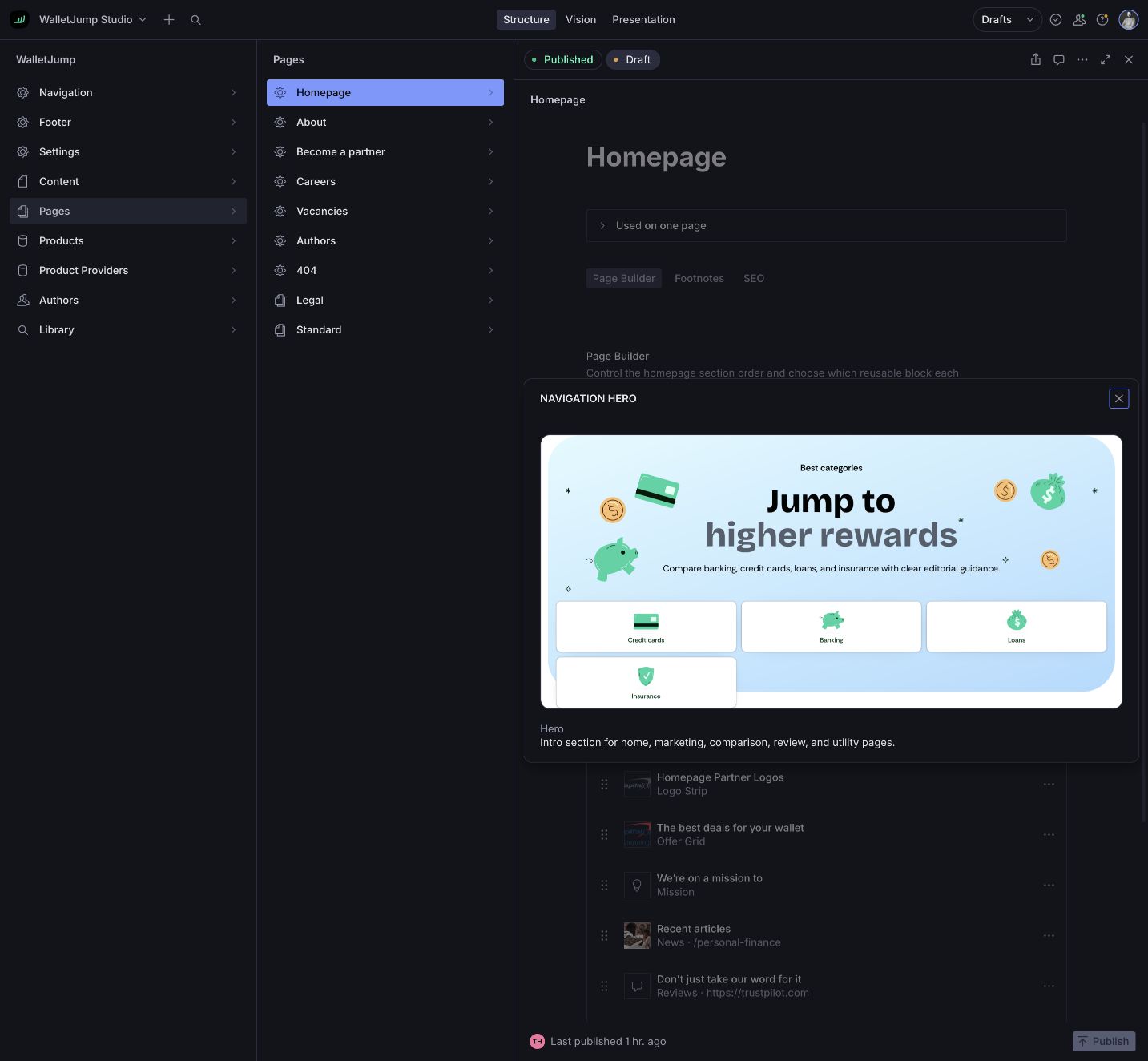
I made Navigation Hero a reusable Sanity document with its own schema and inline preview.
Editors can inspect the rendered component before adding it to a page.
Page placement
Keep layout choices with the page.
A shared block may need a different position, background or variant on another route.
The page stores order and local presentation. Its placement points to the shared document.
The homepage gets its own arrangement without duplicating the hero content.
Live WalletJump
Share the renderer between preview and production.
A second production template could drift away from the preview over time.
The Astro route and draft preview use the same component and content data.
What an editor approves in preview is what the live route renders.
For editors
I built Sanity around editorial work.
Sanity is heavily customised here. I shaped the Studio around the way the WalletJump editorial team actually works, instead of leaving them with a default schema.

Structured content, visual editing and programmable workflows.
Official artwork · sanity.io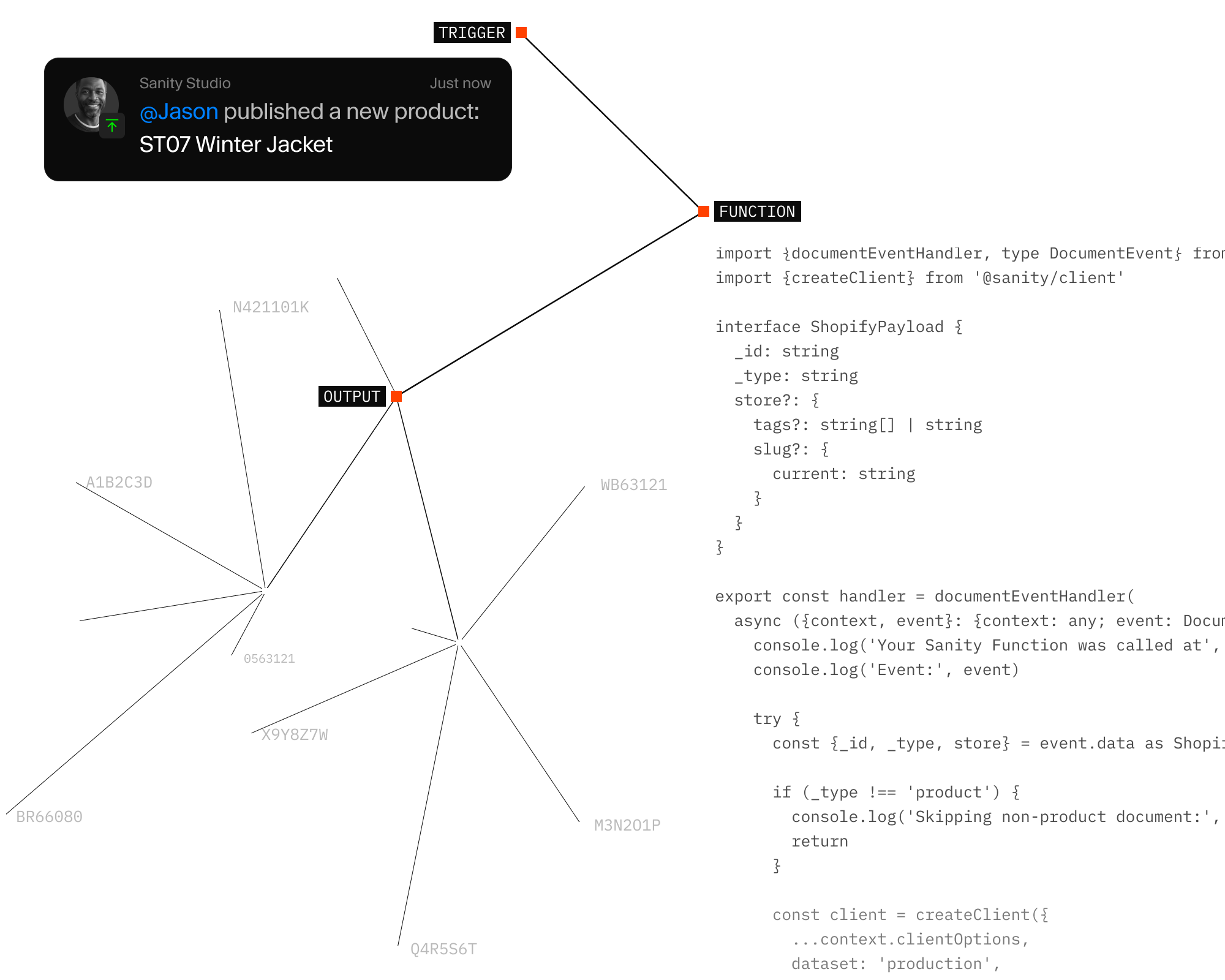
- Schema list
- →Navigation by editorial task
- Internal type names
- →Rendered block previews
- Copied fields
- →Reusable source documents
- Preview in another tab
- →Draft preview beside the document
Working in the Studio
Editors start with the page, table, source or preview they need.
Assemble a page. Paste a table out of Sheets. Update a source. Check a mobile draft. Reader questions from search come back into Sanity too, which turns them into a to-do list rather than a report nobody opens.
- 01 Assemble pages
- Editors order rendered blocks and choose the preview that fits the section they need.
- 02 Insert structured data
- Cells from Excel, Sheets or tab-separated text become an editable table instead of a fixed embed.
- 03 Update shared sources
- One hero, product dataset or FAQ document can appear on several routes without copying its content.
- 04 Tune local presentation
- Background, variant and corner treatment belong to the placement, so shared content can look different on each page.
- 05 Check desktop and mobile
- The same Astro route shows the unpublished draft at different widths before a change goes live.
- 06 See what readers ask
- Search queries land in Sanity, so editors can see which topics still need work.
Three workflows
Three everyday jobs in WalletJump Studio.
An editor builds a page, turns spreadsheet cells into a table and uses existing content on a new route.
Review the page
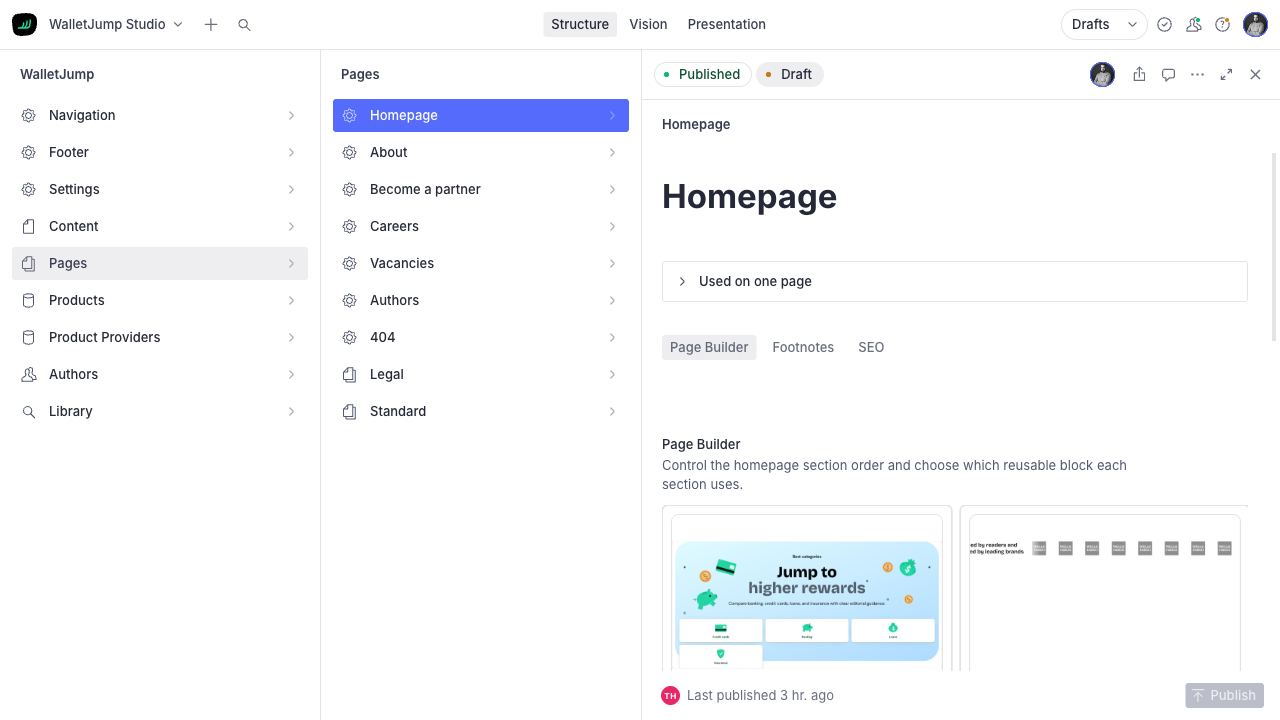
- 01
Review the page
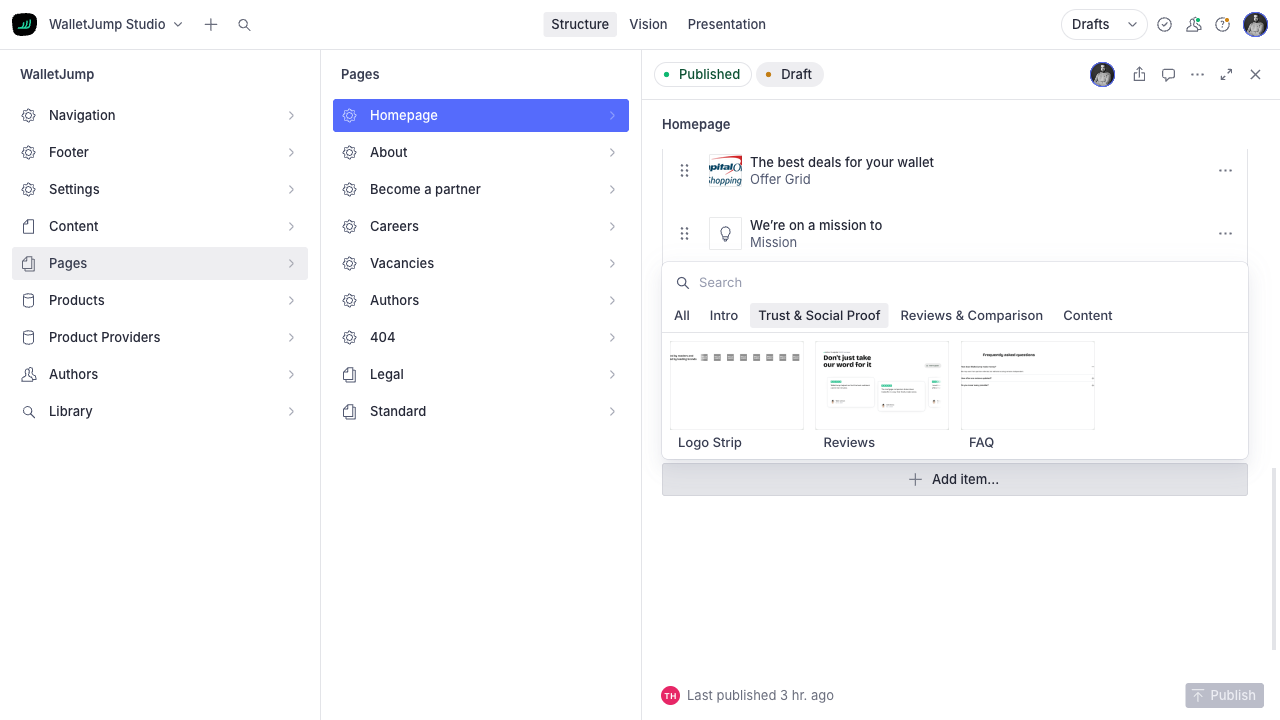
The homepage draft shows its blocks in publication order.
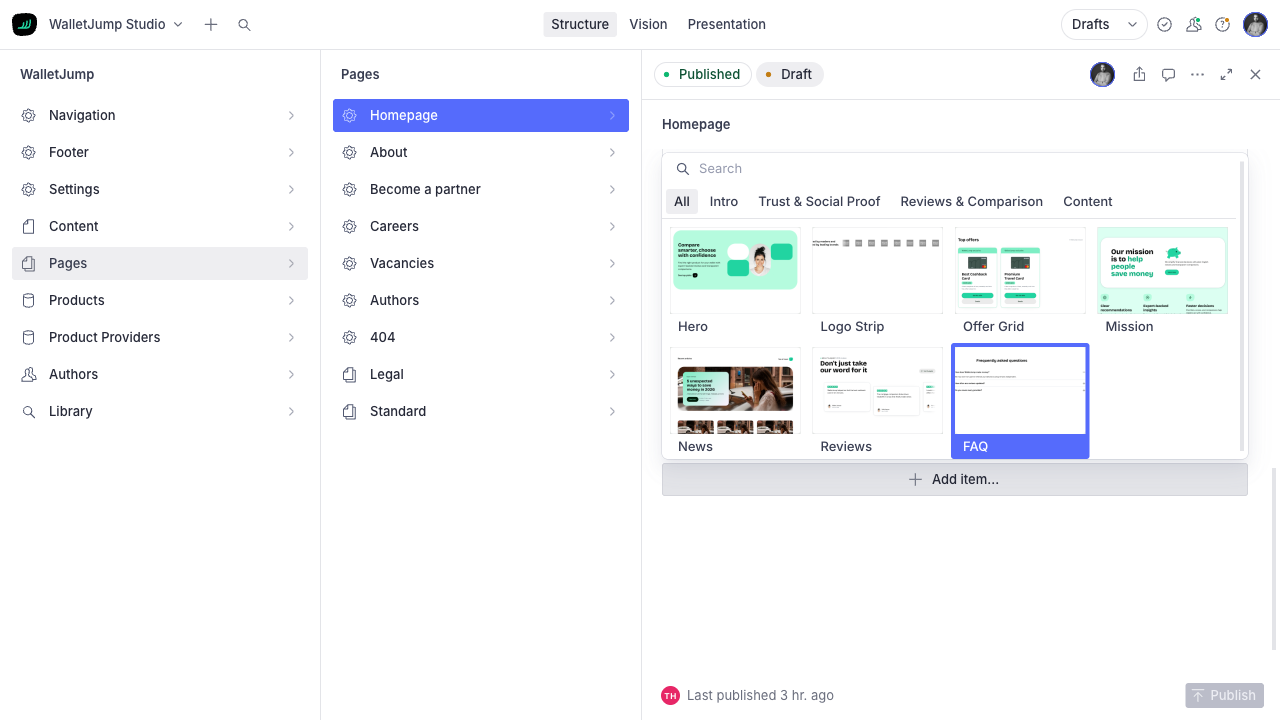
- 02
Open the block picker
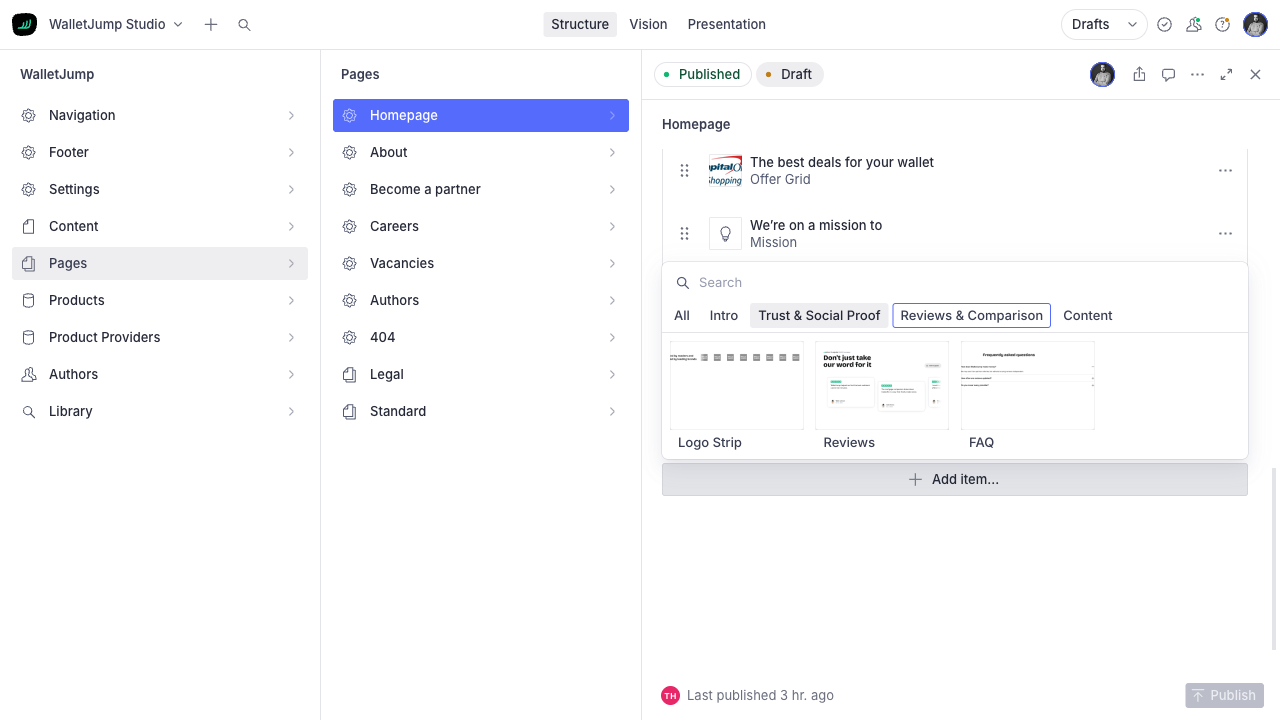
Every option has a rendered preview and is grouped by purpose.
- 03
Filter the list
A category shortens the list before the editor picks a block.
- 04
Add the block
The editor picks the preview that fits the section they need.
Open the insert menu
- 01
Open the insert menu
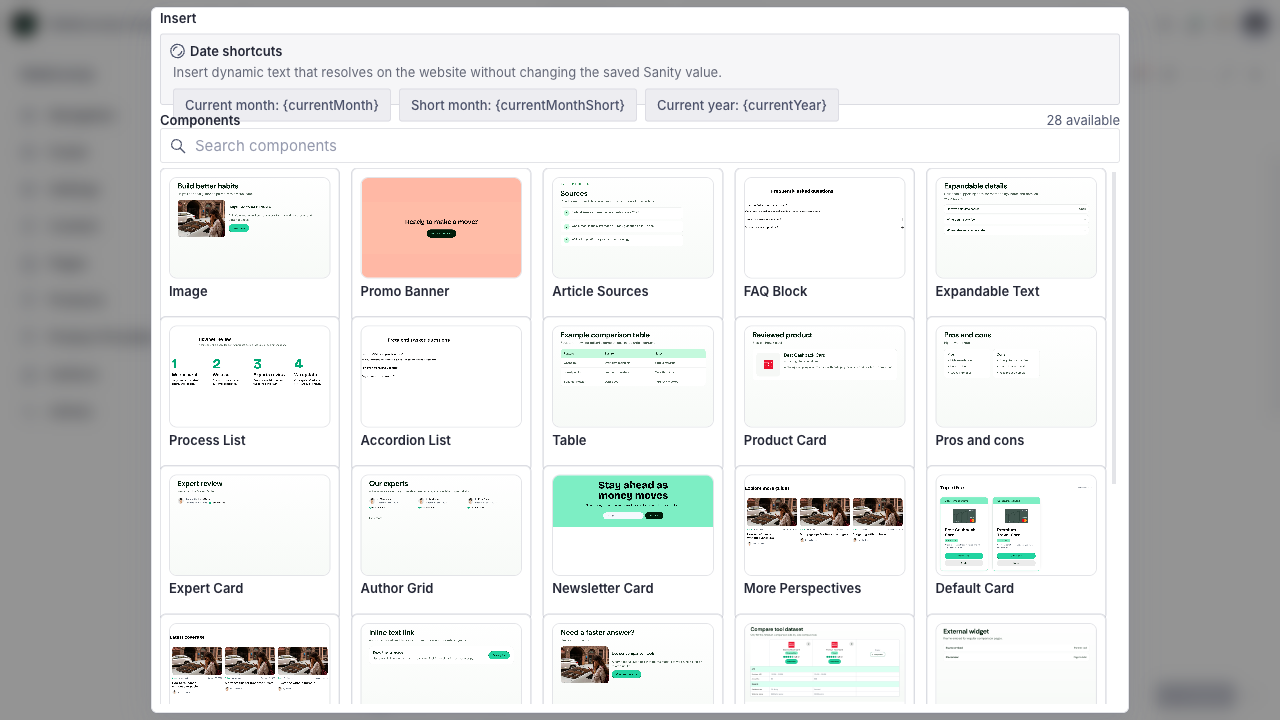
An article offers 28 visual components and date shortcuts that stay current.
- 02
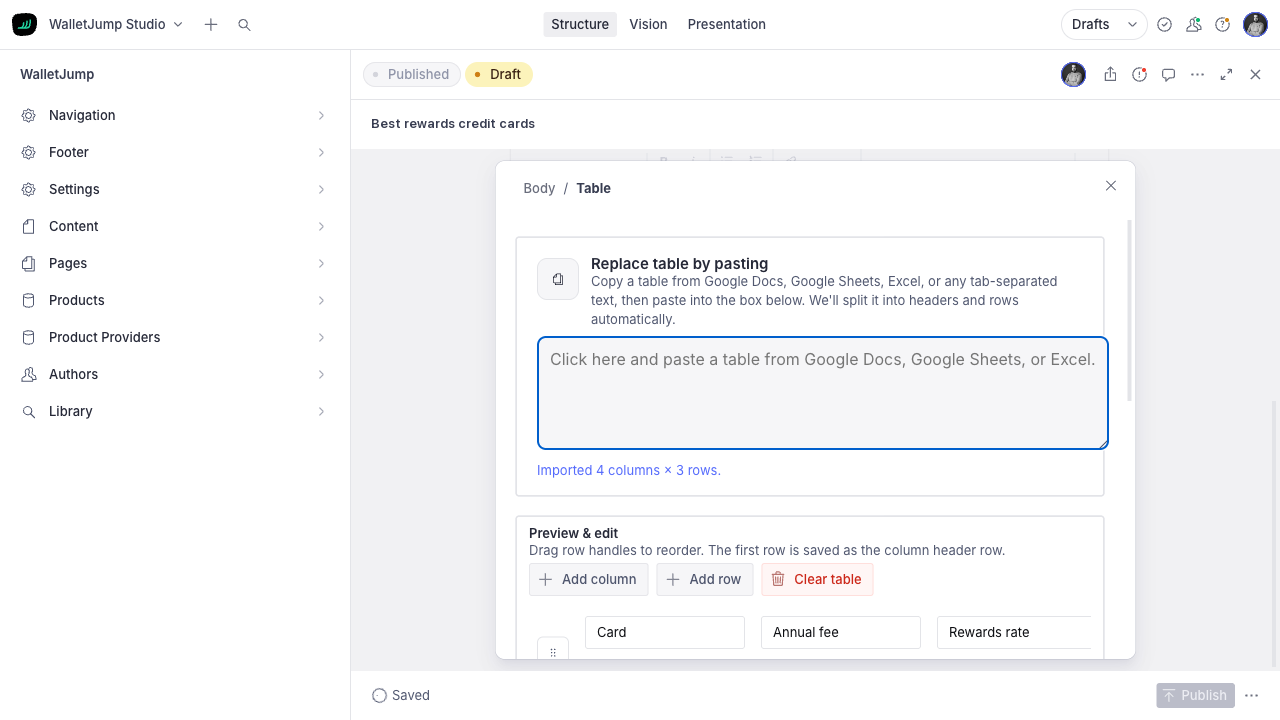
Paste spreadsheet cells
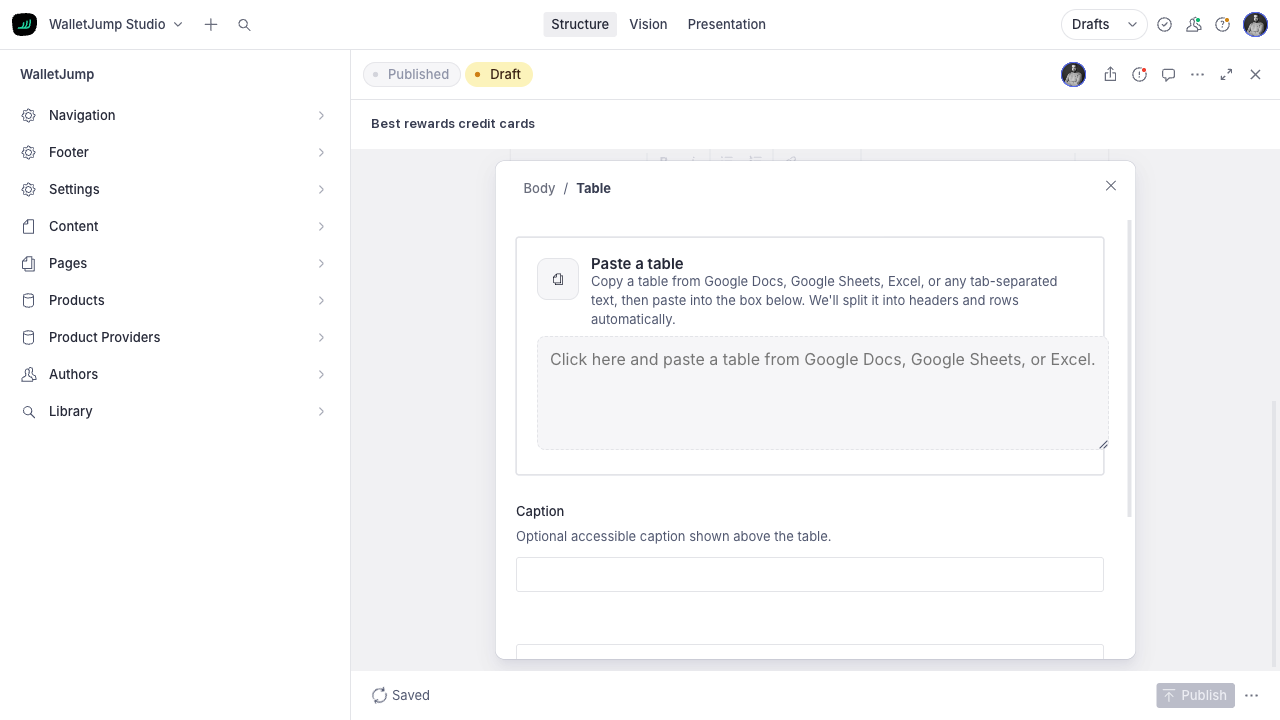
The table accepts Excel, Sheets or tab-separated text.
- 03
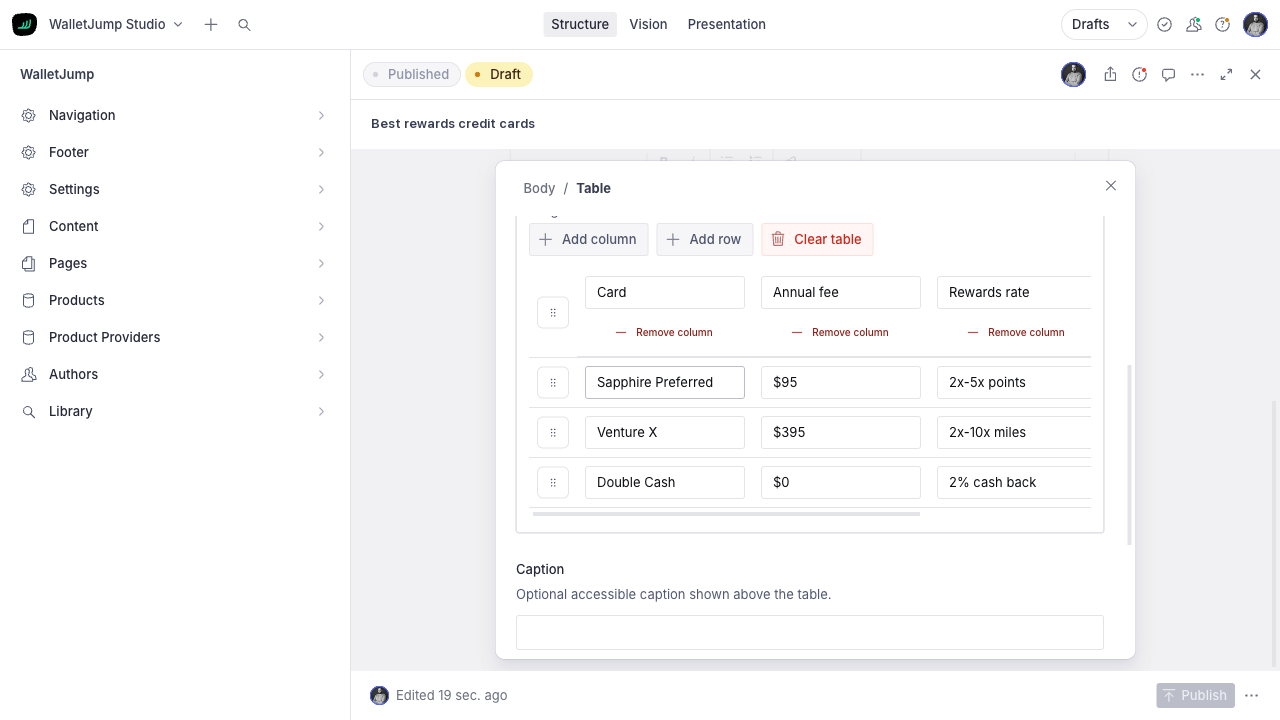
Check the import
Four columns and three rows are split into headers and data automatically.
- 04
Edit the table
Editors can reorder rows, add columns and write a caption.
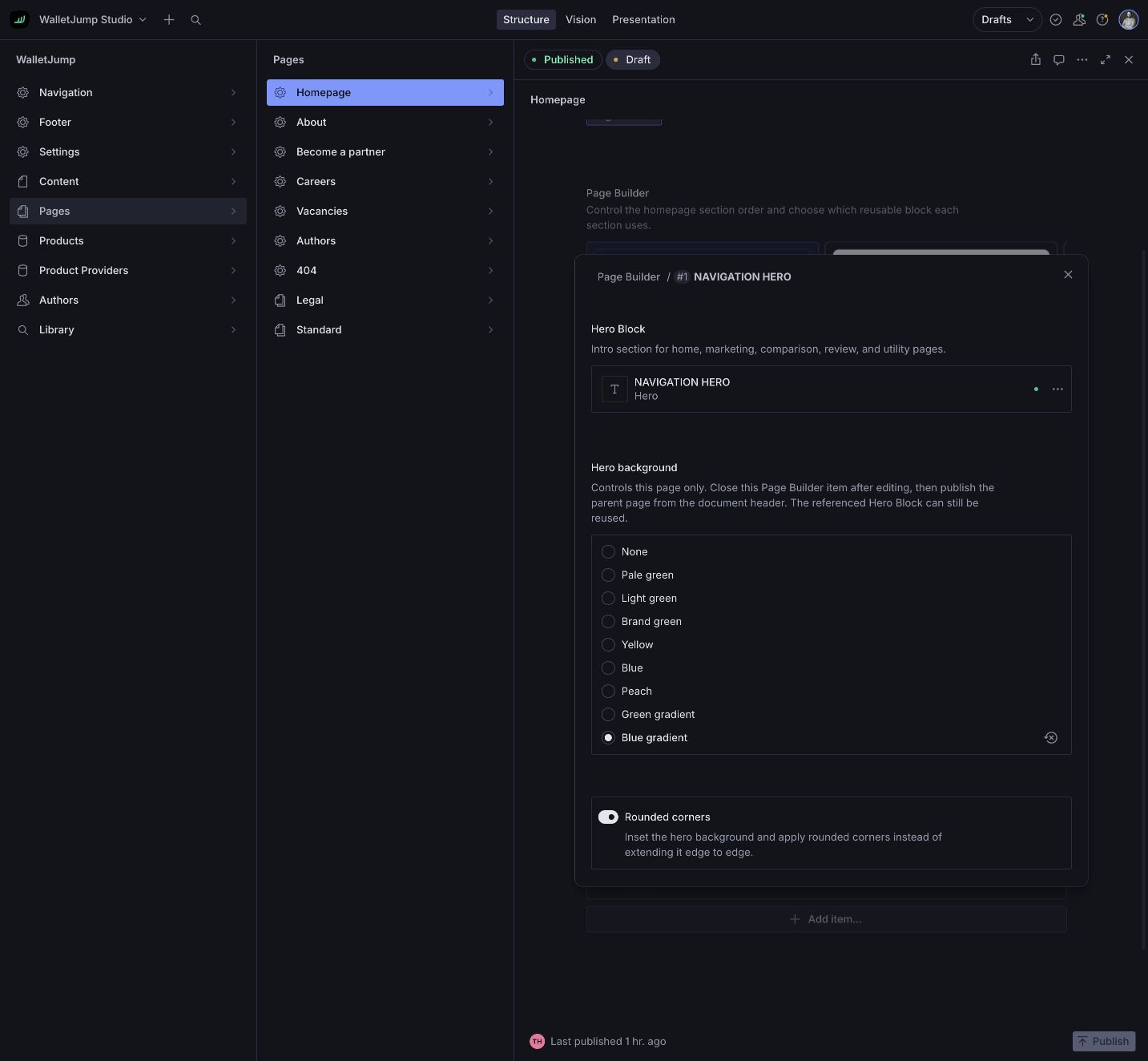
Open the library
- 01
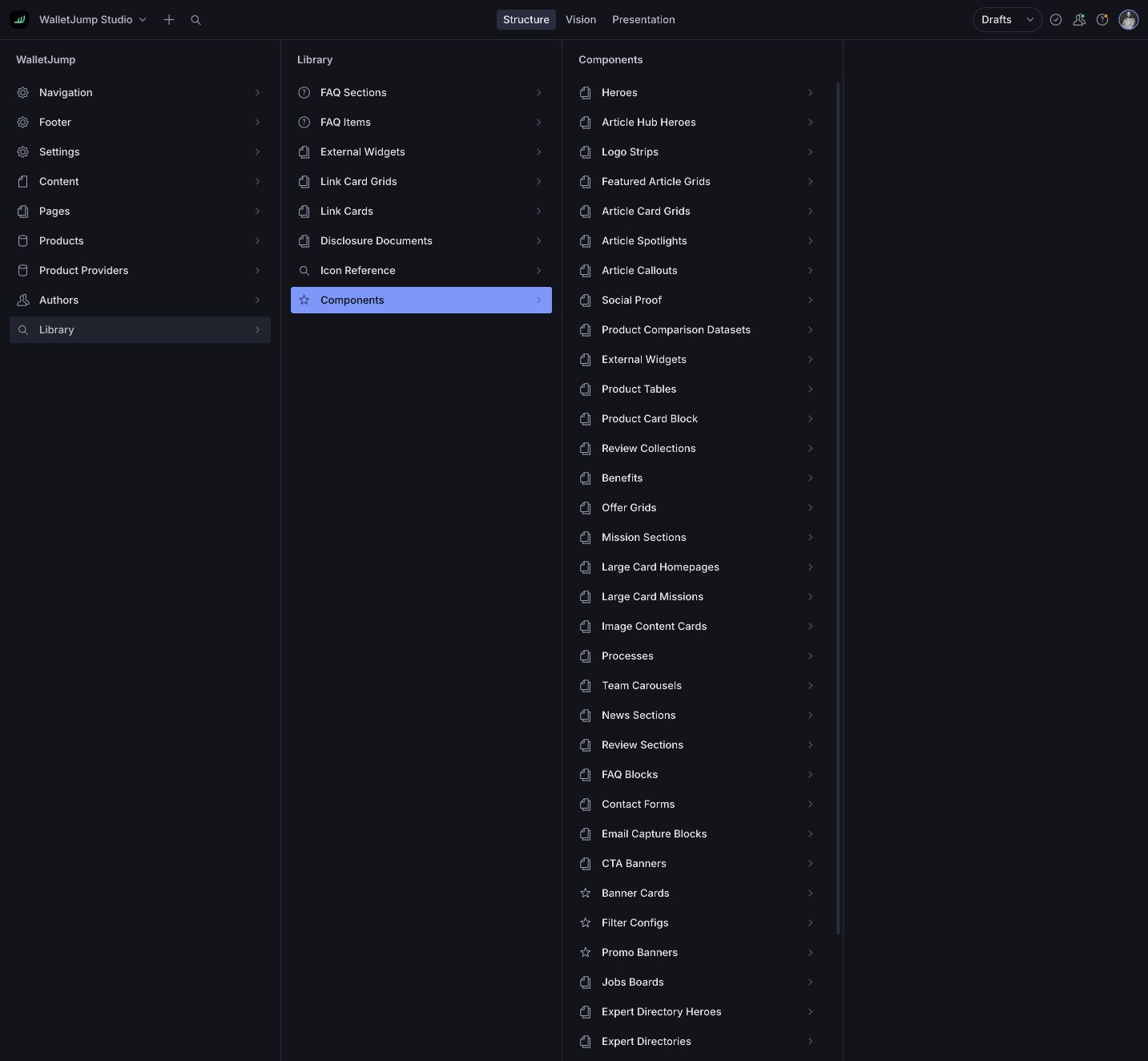
Open the library
Reusable documents live outside individual pages and are grouped by purpose.
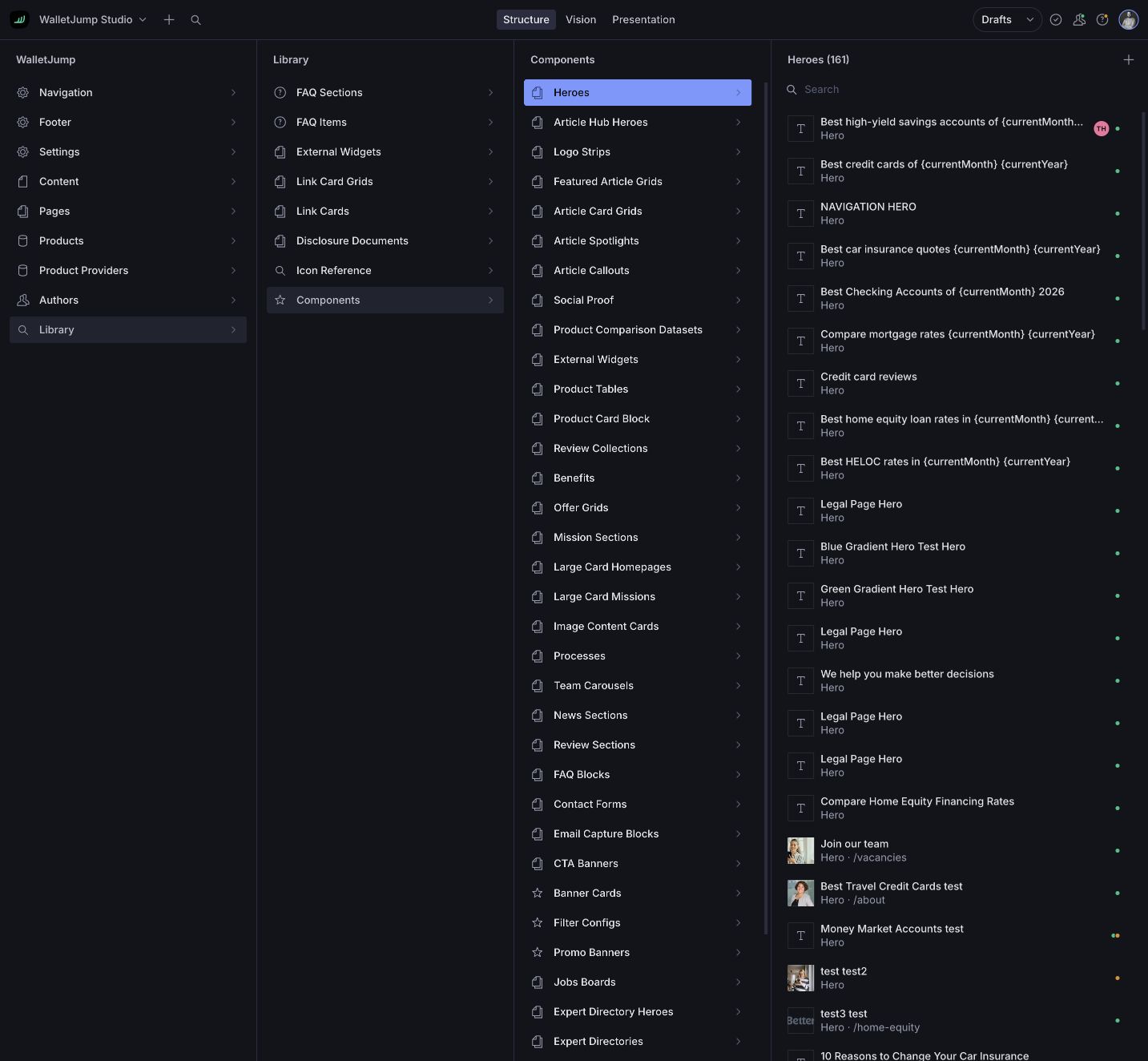
- 02
Edit the source
Each shared hero has one Sanity document.
- 03
Set this page’s layout
The page stores background, variant and corner settings; the content stays shared.
- 04
Preview it on the page
The page builder renders the production component before publication.
AI search
AI search answers from published WalletJump content.
After publication a Cloudflare Worker adds the document to a hybrid keyword and vector index. When someone asks a question, the interface retrieves the relevant passages first. Only then does the model write, and it links back to the routes it used. No retrieved passages, no answer.
- 01
 Sanity
 Publish
Sanity sends a webhook after publication.
- 02
 Cloudflare Worker
 Index
The worker adds page purpose, priority and likely reader questions.
- 03AI Search
Retrieve
Cloudflare AI Search combines keyword and vector matches from WalletJump content.
- 04Workers AI
Answer
The model writes from the retrieved passages and links to the sources.
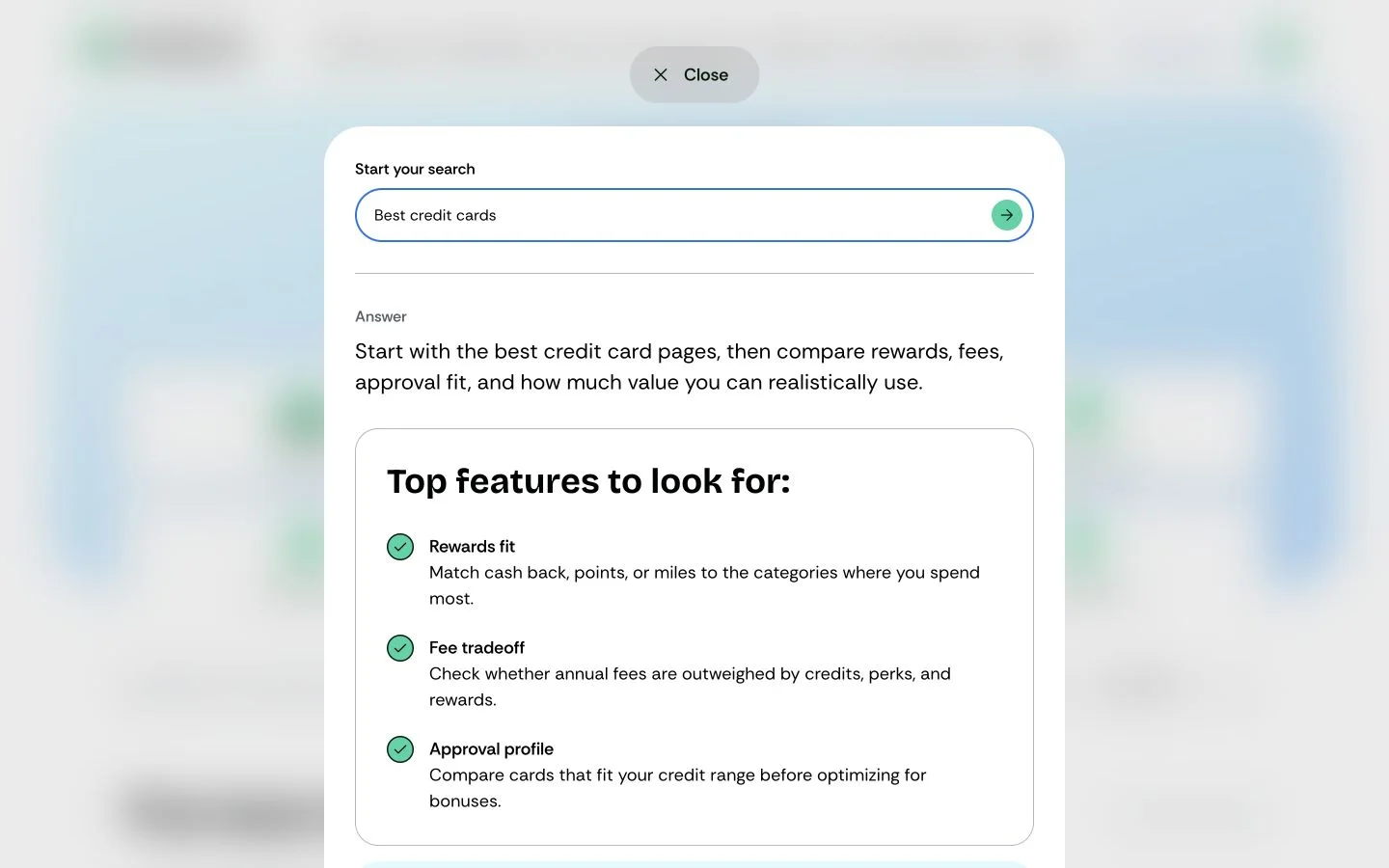
A scheduled job picks up any webhook that went missing. The questions people ask flow back into Sanity, where they become concrete topics for the editorial team.
Speed and reliability
Astro serves the page before background work begins.
Astro sends complete HTML from the edge. React hydrates the interactive parts only, and only once the browser is idle. Search indexing, image sync and backups live in separate workers, so they never end up sitting between a reader and the page.
- 01
 AstroCloudflare Complete HTML from the edge
 - Astro renders the route at the edge. The content is already in the page before optional React islands start.
- 02 SanityCloudflare Images cached for a year
- A protected worker copies Sanity uploads to Cloudflare Images. The media domain uses a one-year immutable cache header.
- 03 Cloudflare Search and media run separately
- These workers deploy and get tested apart from the web app, so editorial jobs never touch page loading.
- 04 SanityCloudflare Hourly backup and repair
- A scheduled worker writes the Sanity dataset to R2 every hour. A second one repairs search updates that went missing.
What shipped
The system serves 104 live URLs.
A comparison page has almost nothing in common with an article, so each route keeps control of its own layout. What they share is the model underneath. Product data, authorship and disclosures stay where they are governed, and pages point at them.
Reader
- Keep moving without another searchCategories, comparisons and reviews share their navigation, product cards and authorship.
- Find familiar detailsProduct data and disclosures keep the same shape on every route and every screen.
Editorial
- Choose blocks by sightThe block picker shows the real component, so nobody has to memorise a schema name.
- Preview the actual routeThe draft sits beside its fields, on the route that will go live.
Product team
- Change a component onceThe update carries through Storybook, Studio and the public site.
- Bring existing content alongPreviews, tests and 36 migrations let the model grow without starting over.
104 public URLs · governed sources · route-specific layouts
Live site
Seven routes from the live site.
Seven of the 104 live URLs. They reuse the same components and content sources; what changes is the layout. Browsing a category and checking who wrote a review are not the same job.
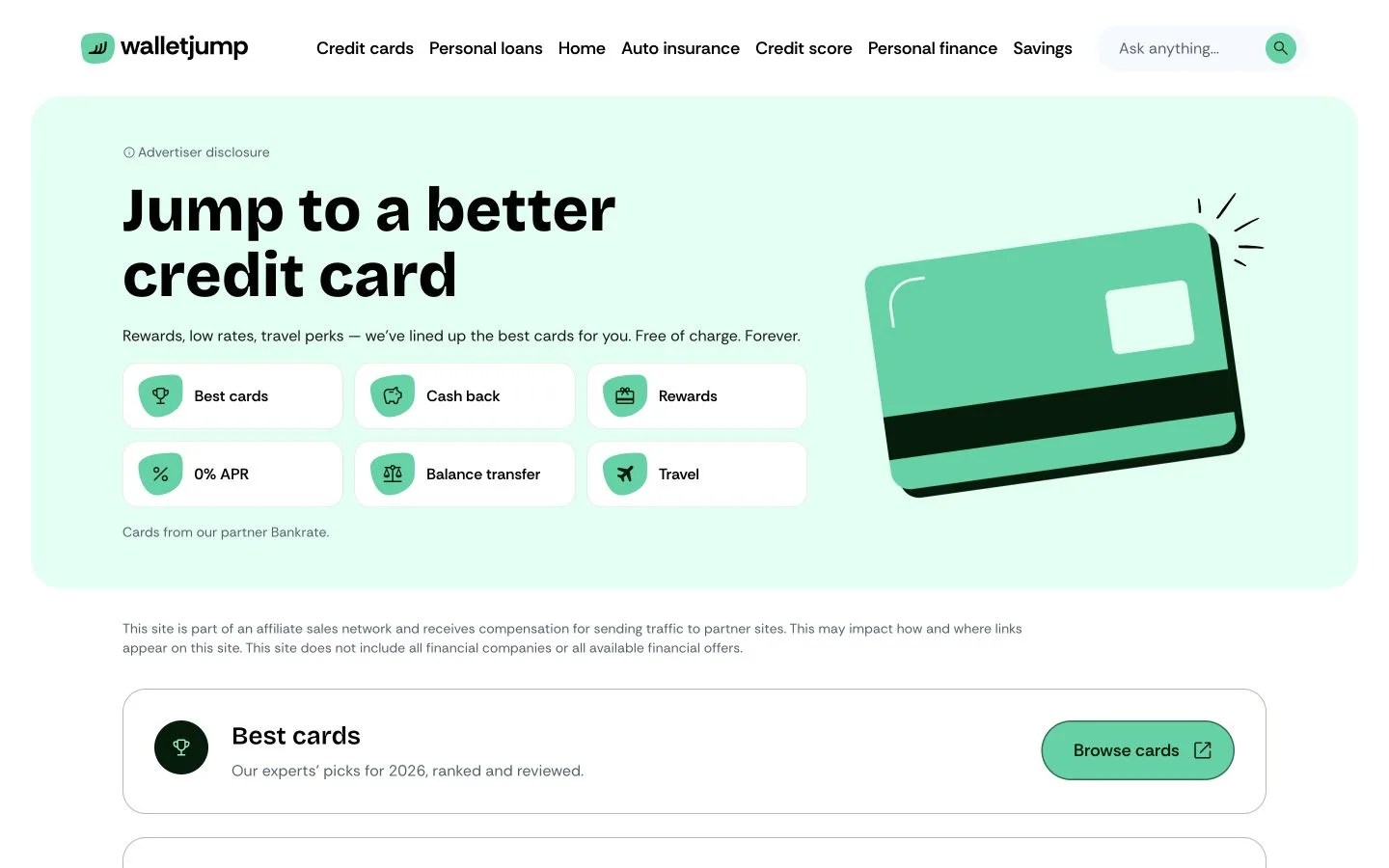
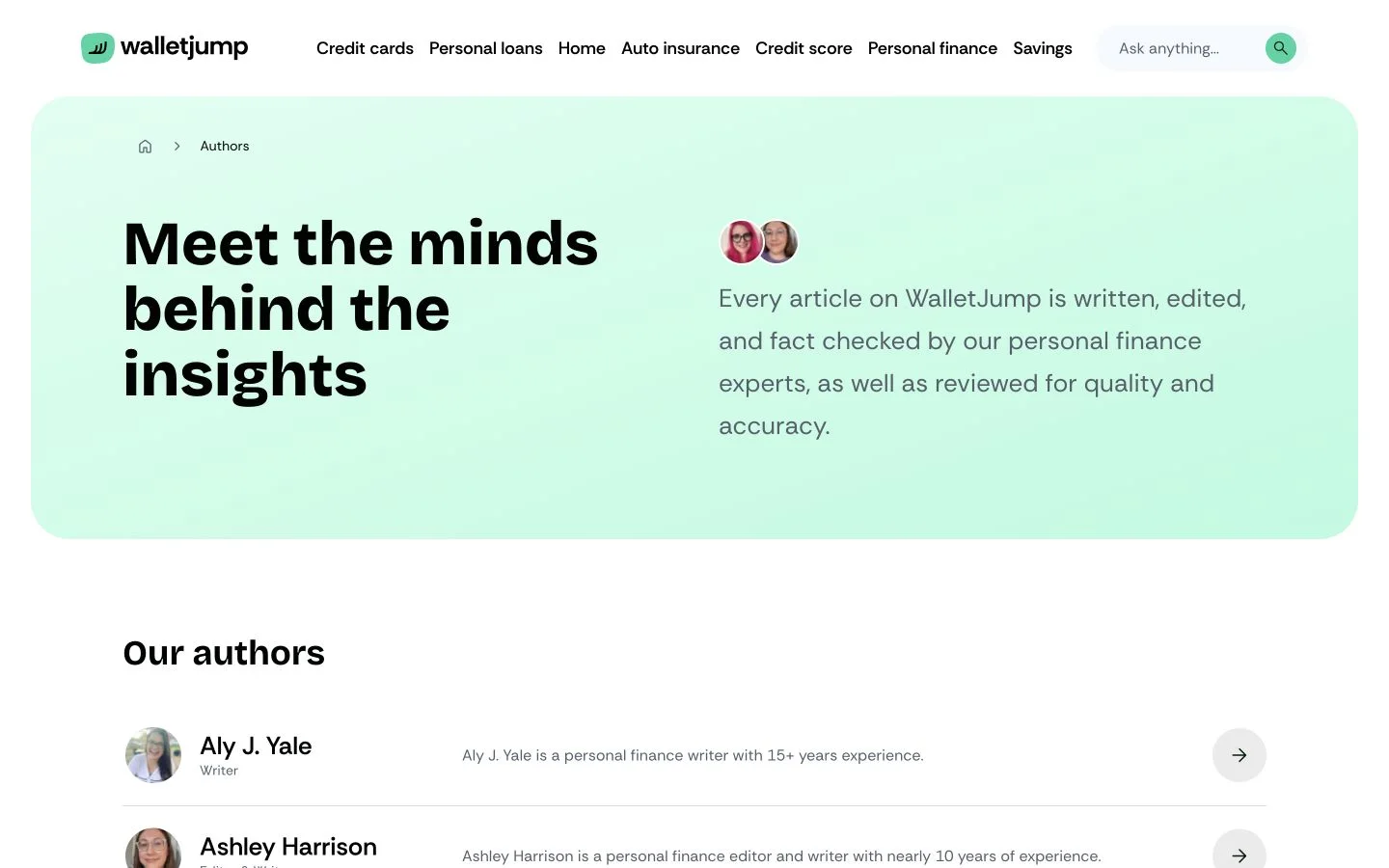
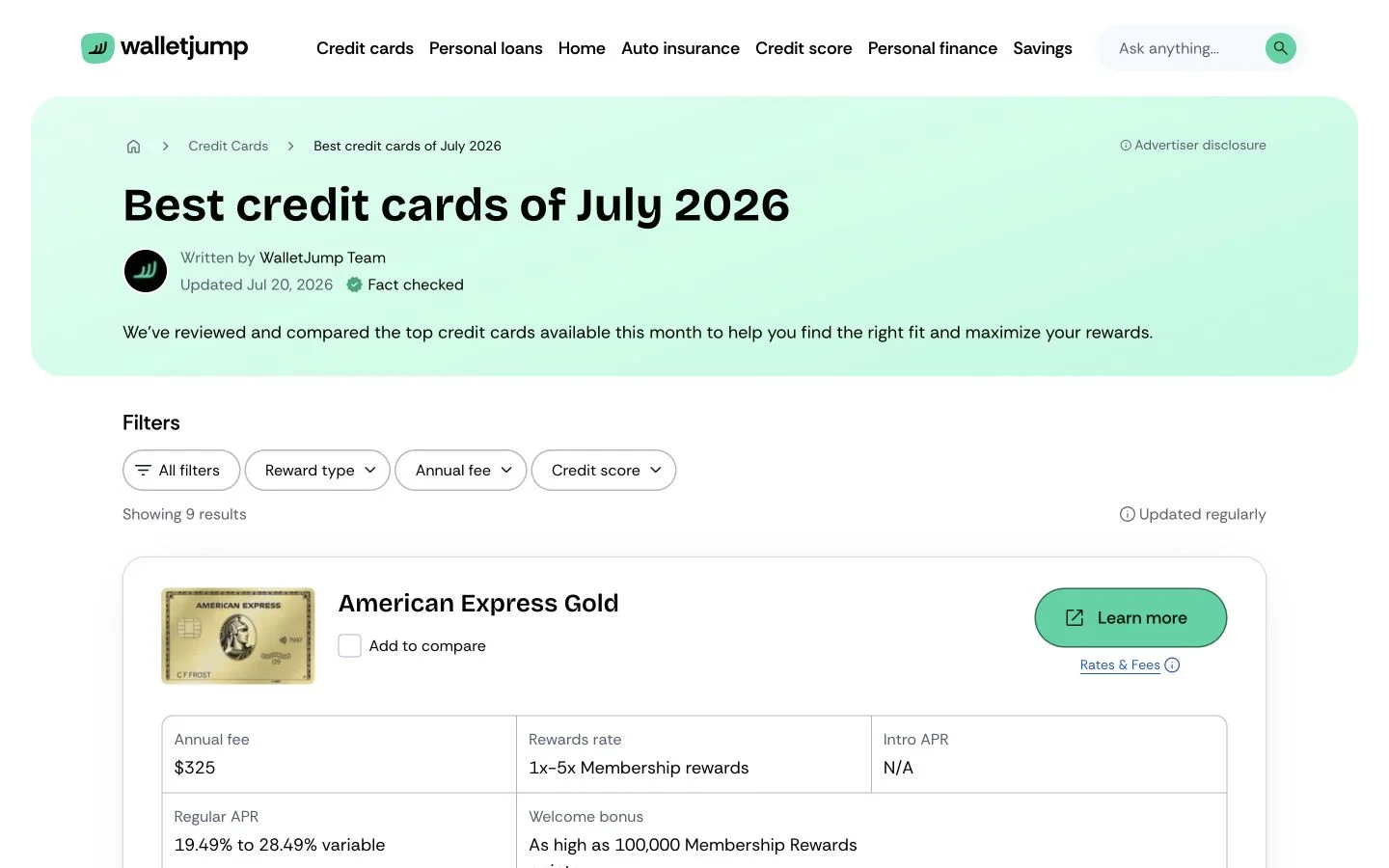
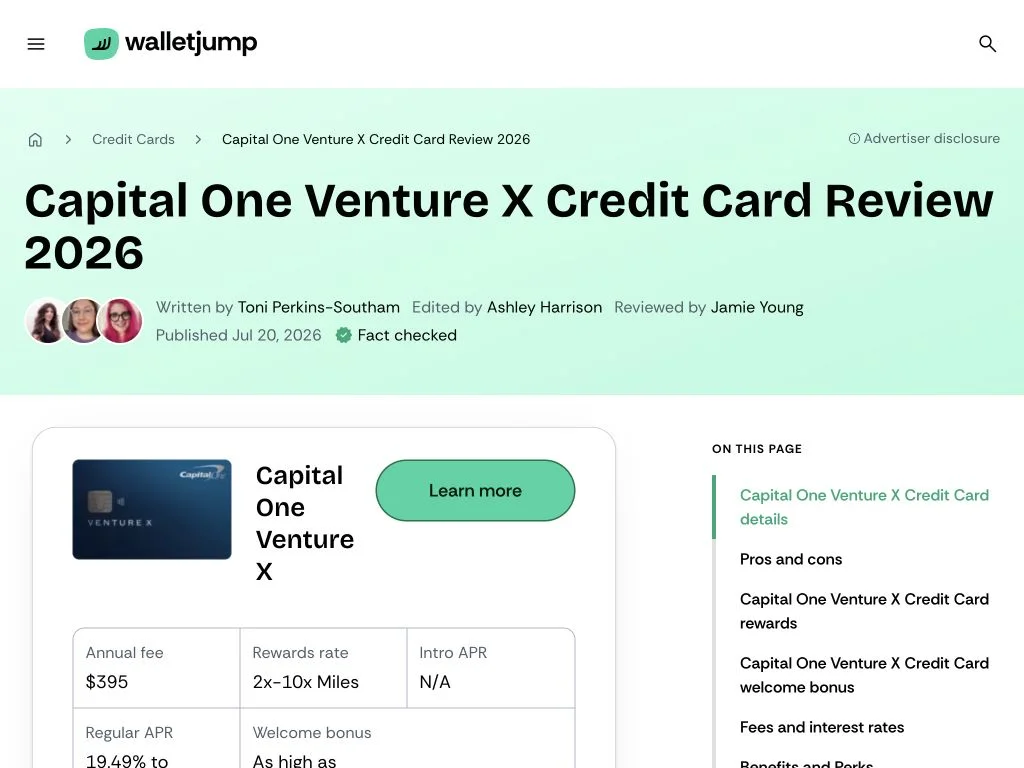
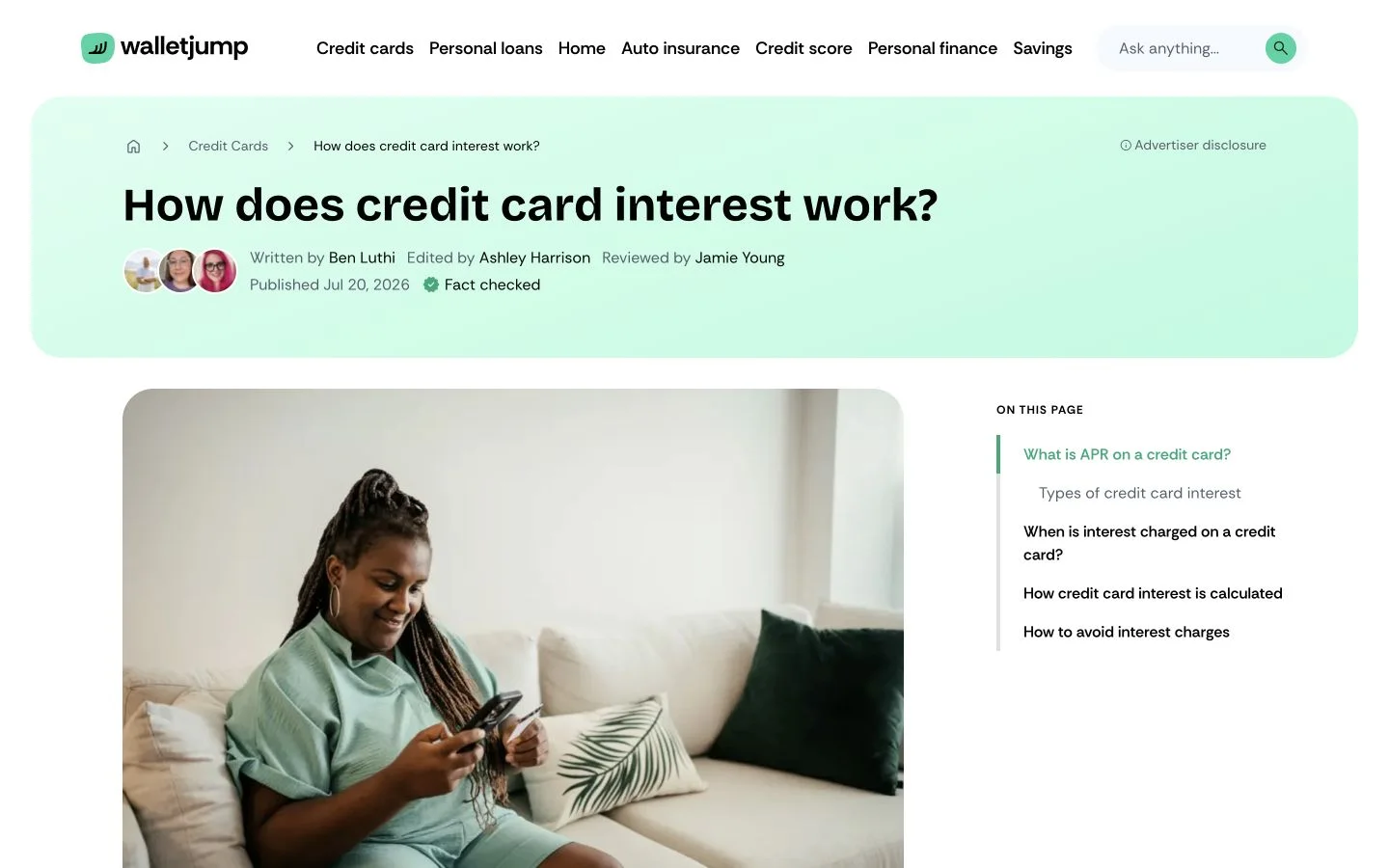
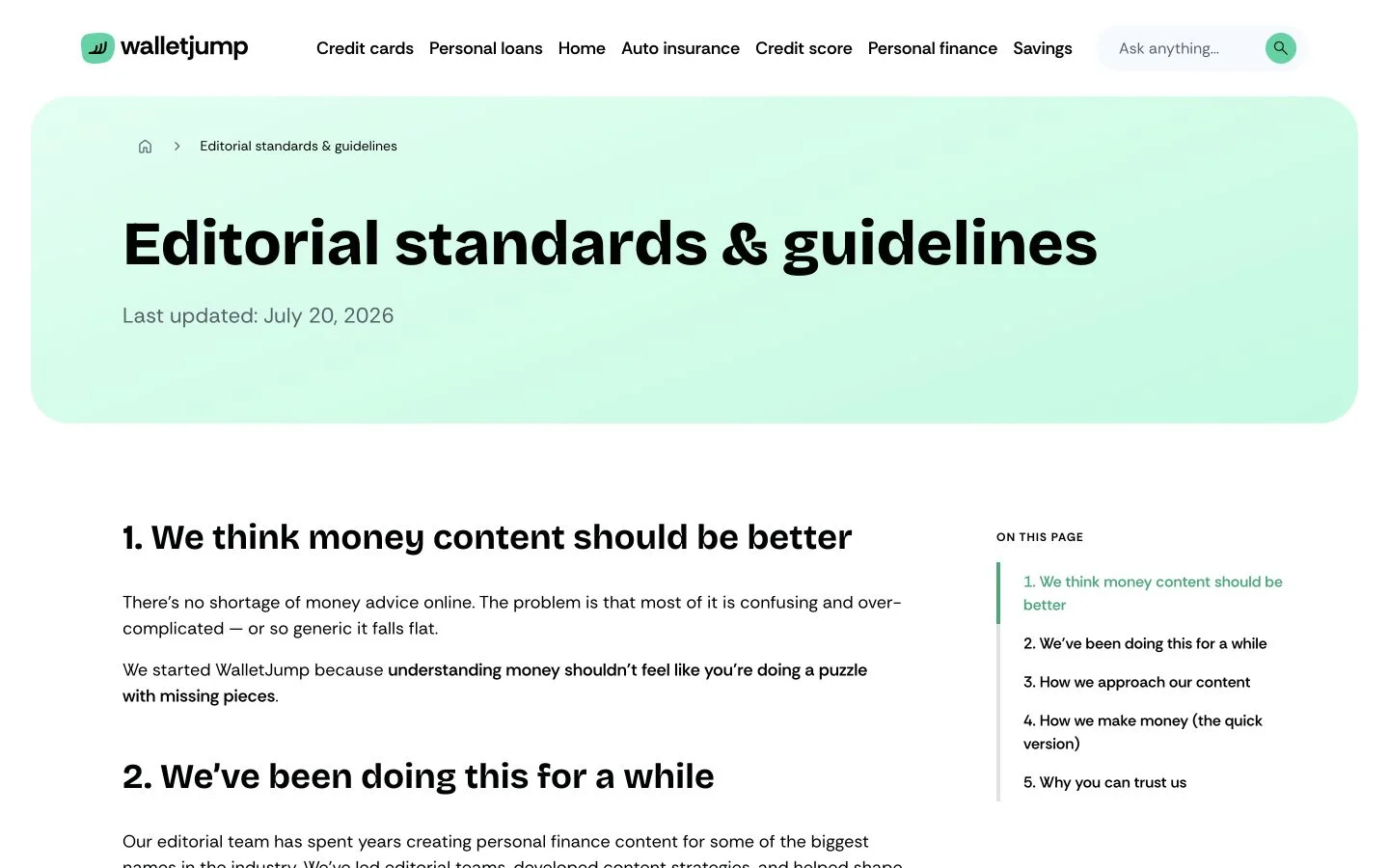
Captured from walletjump.com · 20 July 2026
Impact and scale
WalletJump has 104 public URLs.
On 20 July 2026 the sitemap held 29 pages, 50 articles, nine product reviews, eight comparisons and eight author profiles. I also ran five TTFB checks from Amsterdam and counted through the repository. Everything below is a lab or repository measurement. None of it is field Core Web Vitals.
- 5sitemap families
- The sitemap lists pages, articles, reviews, comparisons and authors separately.
- 19 / 19AVIF images
- All 19 raster images requested by a fresh 1440 × 1000 homepage load were served as AVIF.
- 152 KBraster payload
- Those 19 responses totalled 151,750 bytes before headers or lazy-loaded images.
- 150 msmedian lab TTFB
- Five requests from Amsterdam ranged from 129 to 212 ms. This is a lab check, not field CWV.
- 9applications
- The monorepo contains the website, Studios, design system and supporting Workers.
- 1,691Storybook stories
- The current repository contains 1,691 rendered stories for component review.
- 2Mmonthly visitors
- The published site reaches around two million visitors a month.
- 85visual previews
- The Studio shows each choice as a rendered preview with its content type.
85 Studio previews
The preview assets currently used by WalletJump Studio.
001—047
Page blocks
The Studio shows 47 rendered blocks before an editor adds one to a page.
-
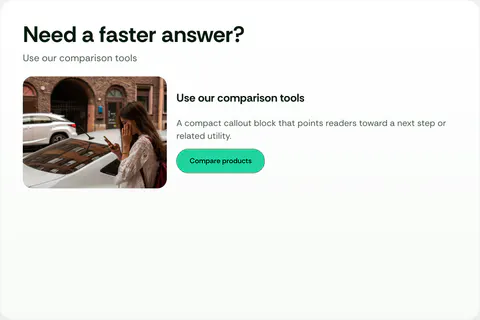
001 Article Callout Placement Building block -
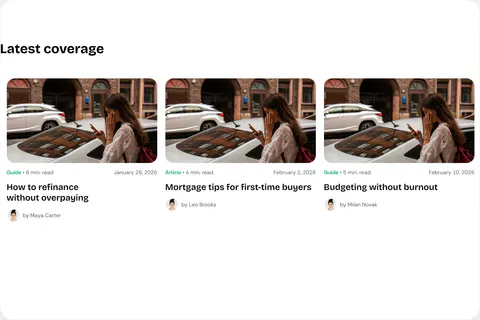
002 Article Card Grid Placement Building block -
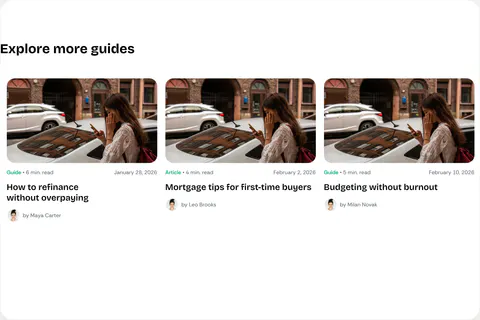
003 Article Grid Placement Building block -

004 Article Hub Hero Placement Building block -
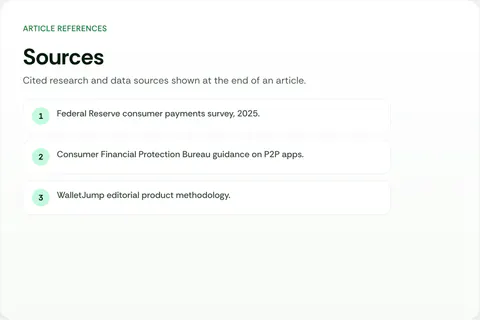
005 Article Sources Placement Building block -
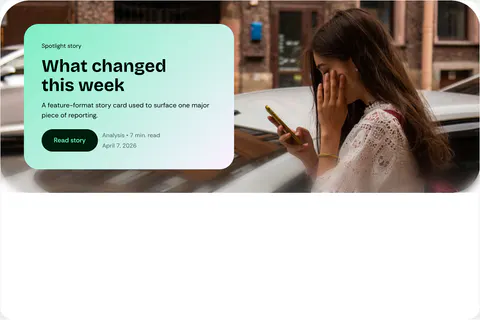
006 Article Spotlight Placement Building block -
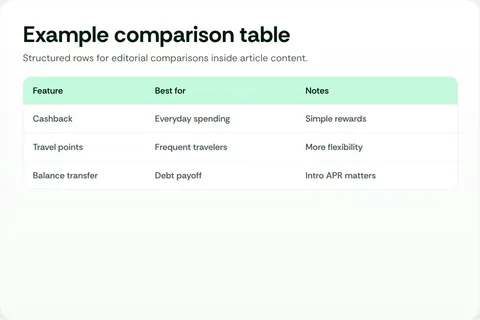
007 Article Table Placement Building block -
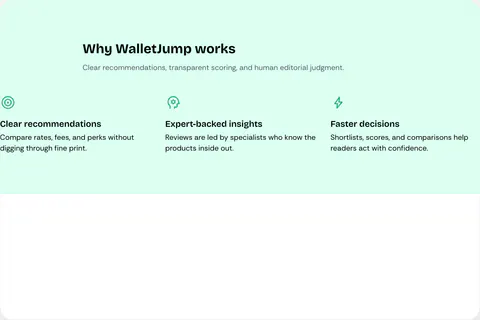
008 Benefits Placement Building block -
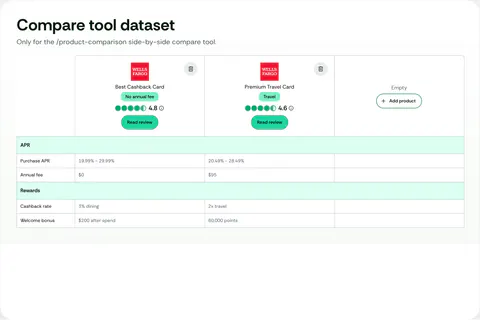
009 Comparison Table Placement Building block -
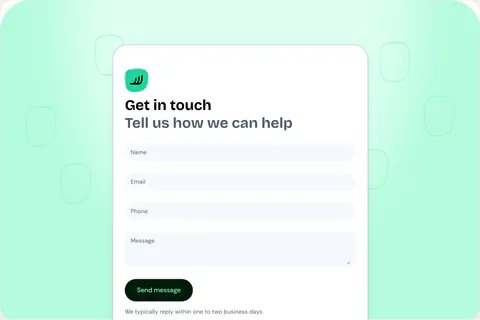
010 Contact Form Placement Building block -
011 Cta Banner Placement Building block -

012 Email Capture Placement Building block -
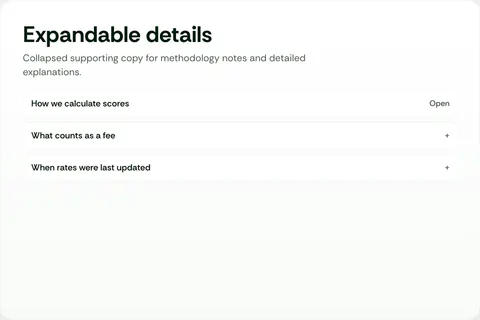
013 Expandable Text Placement Building block -

014 Expert Directory Hero Placement Building block -
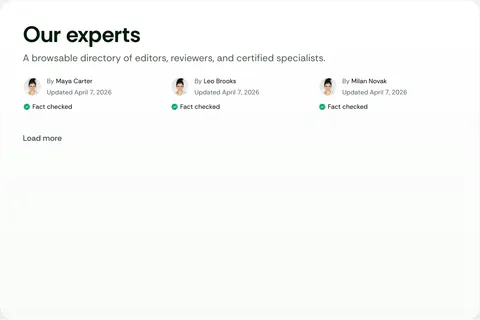
015 Expert Directory Placement Building block -
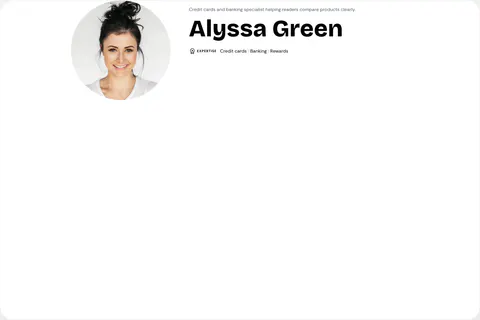
016 Expert Profile Hero Placement Building block -
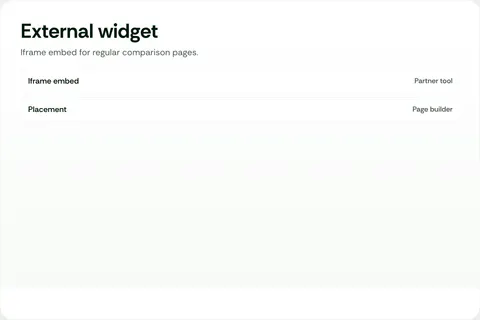
017 External Widget Placement Building block -
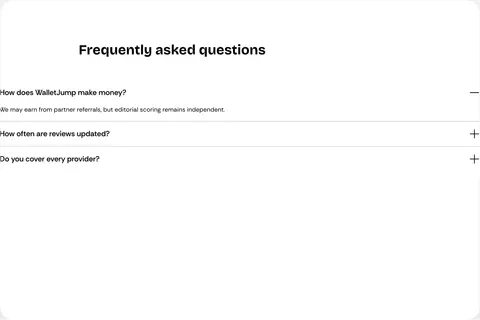
018 Faq Accordion Placement Building block -
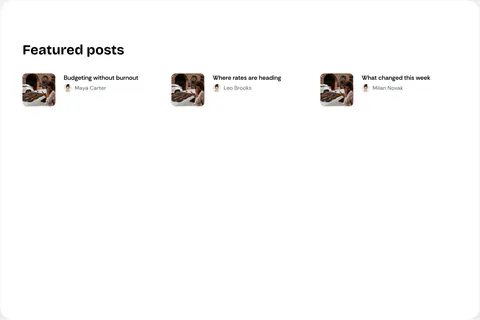
019 Featured Posts Placement Building block -
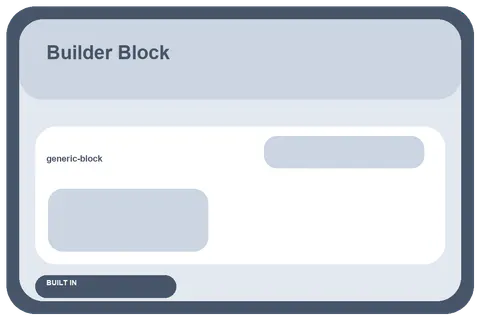
020 Generic Block Building block -
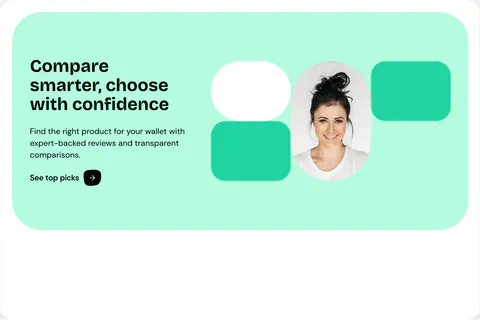
021 Hero Placement Building block -
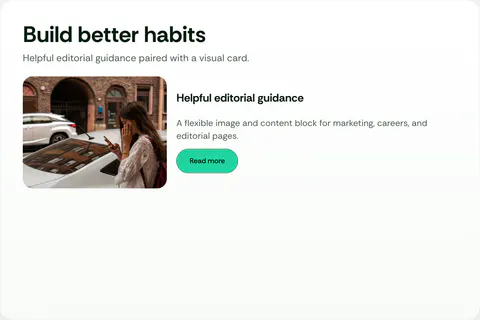
022 Image Content Card Placement Building block -
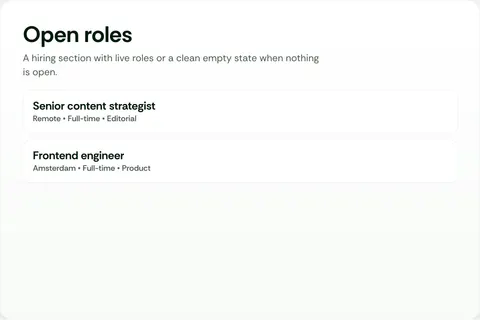
023 Jobs Board Placement Building block -

024 Latest Article Grid Placement Building block -
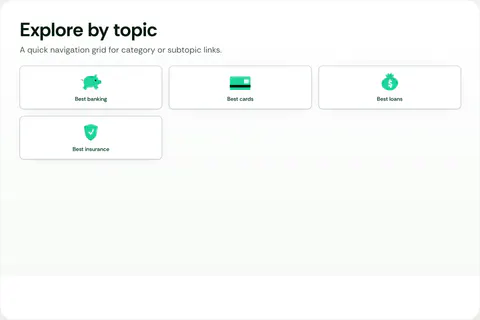
025 Link Card Grid Placement Building block -
026 Logo Strip Placement Building block -
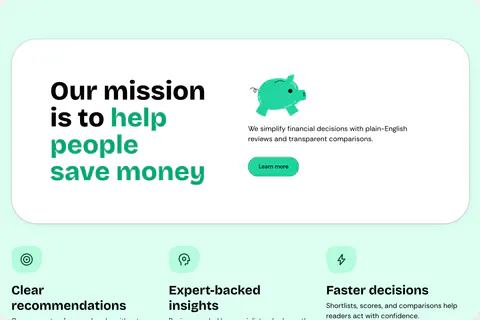
027 Mission Placement Building block -
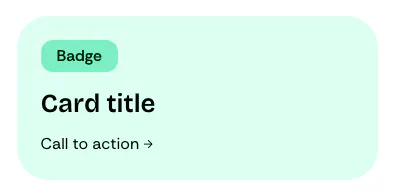
028 Navigation Promo Card Building block -
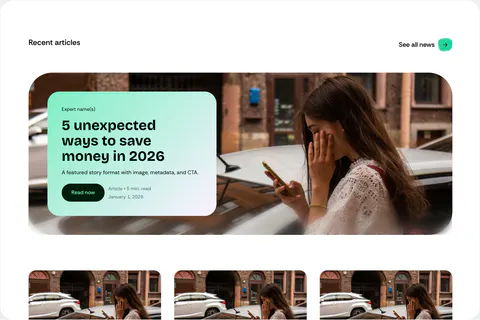
029 News Placement Building block -
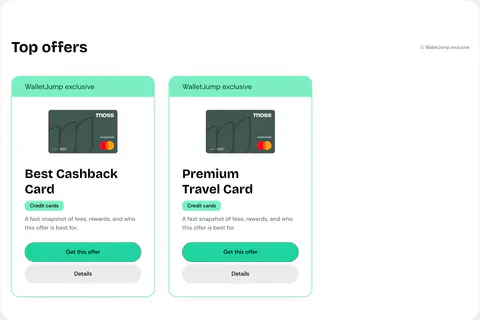
030 Offer Grid Placement Building block -
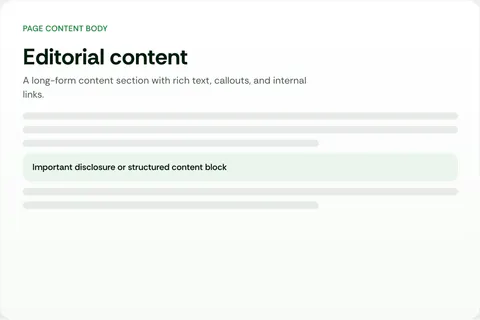
031 Page Content Placement Building block -

032 Page Hero Placement Building block -
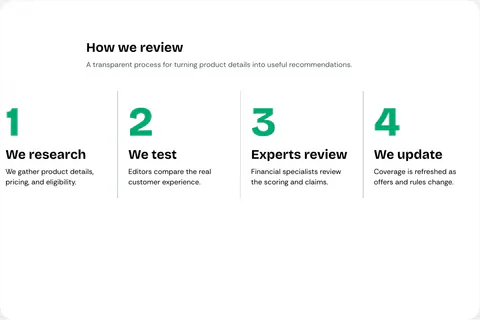
033 Process Placement Building block -
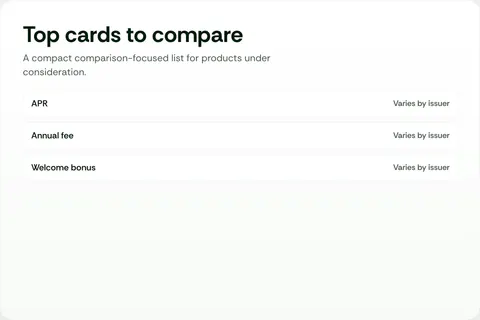
034 Product Review Grid Placement Building block -
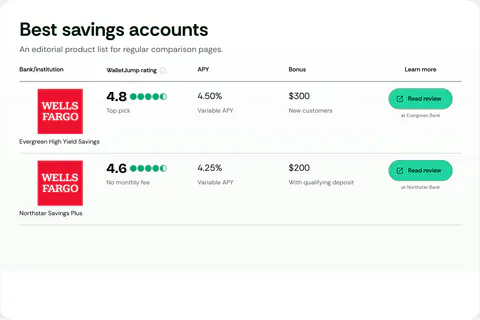
035 Product Table Placement Building block -
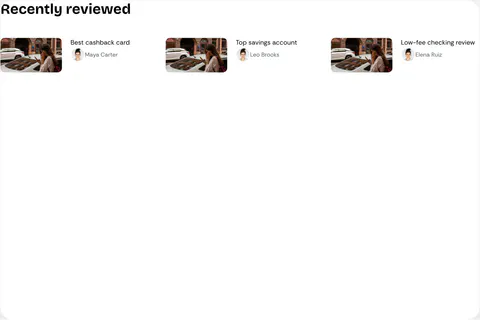
036 Recently Reviewed Placement Building block -

037 Related Article Grid Placement Building block -
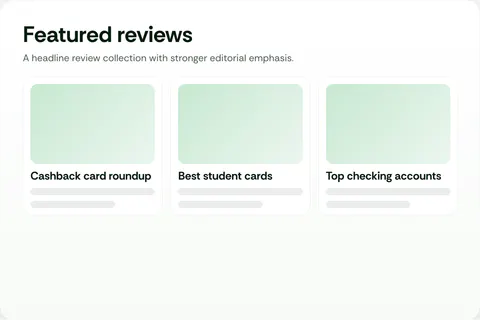
038 Review Collection Placement Building block -
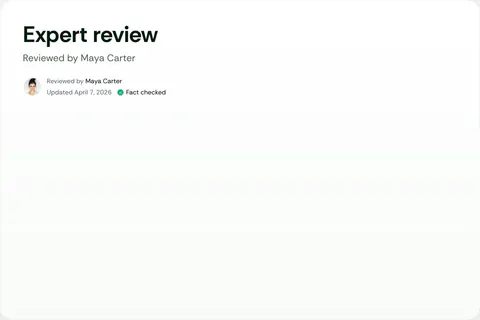
039 Review Expert Placement Building block -
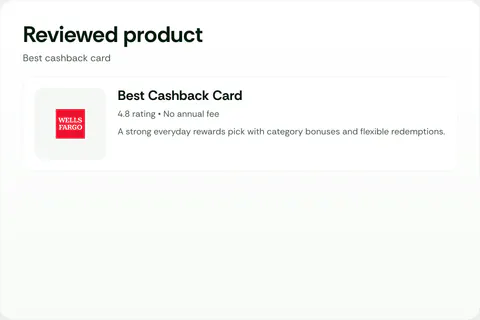
040 Review Product Card Placement Building block -
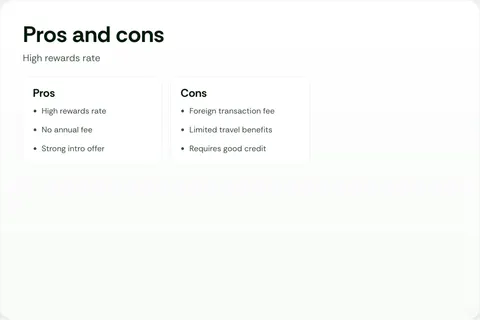
041 Review Pros And Cons Placement Building block -
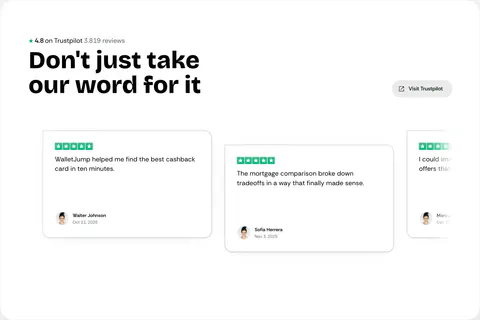
042 Reviews Placement Building block -
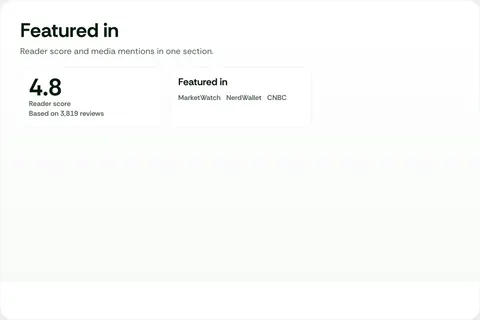
043 Social Proof Placement Building block -
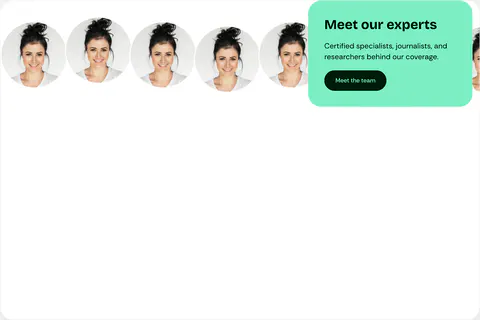
044 Team Carousel Placement Building block -
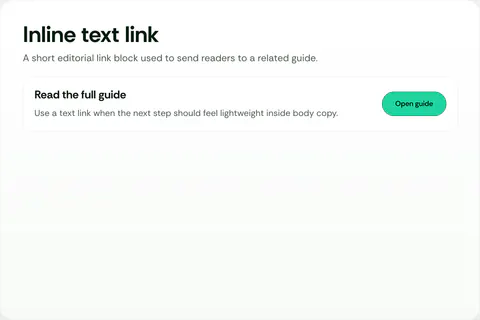
045 Text Link Placement Building block -
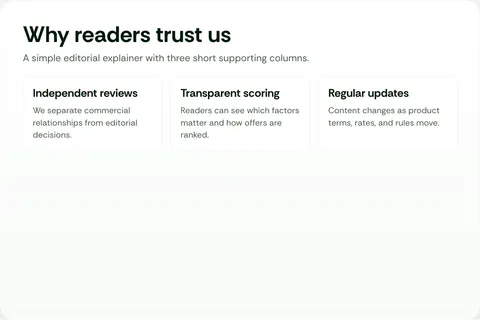
046 Three Column Text Placement Building block -

047 Trust Card Placement Building block
048—085
Component variants
Another 38 previews show how those blocks change with different content or layouts.
-
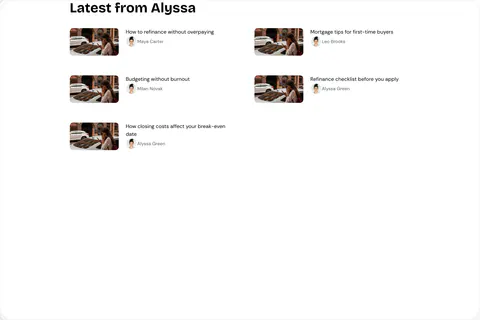
048 Article Grid Block · Latest Variant -
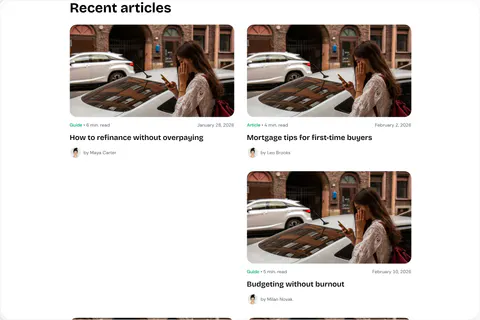
049 Article Grid Block · Recent Variant -
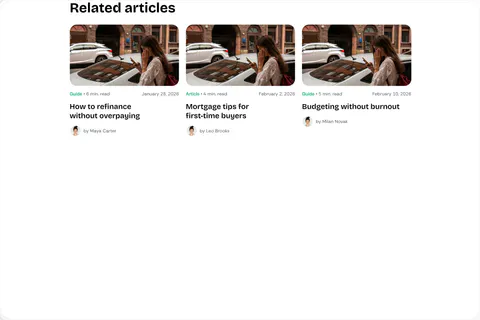
050 Article Grid Block · Related Variant -
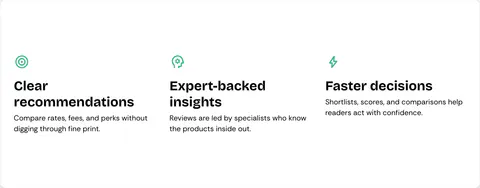
051 Benefits Block · Cards Only Variant -
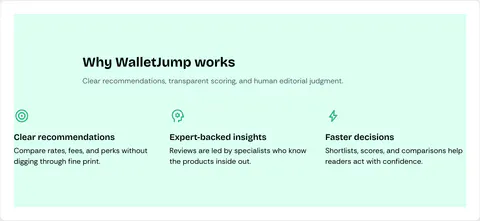
052 Benefits Block · Intro Cards Variant -
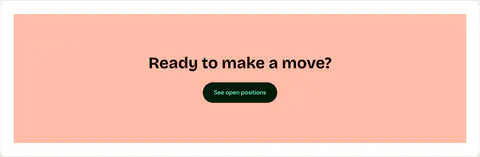
053 Cta Banner Block · Default Variant -
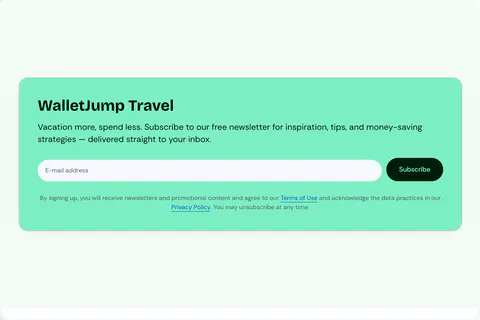
054 Email Capture Block · Card Variant -

055 Email Capture Block · Section Variant -
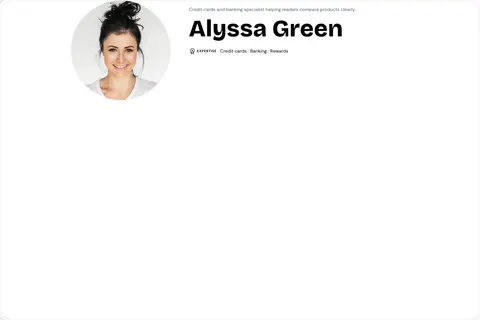
056 Expert Profile Hero Block · Default Variant -

057 Hero Block · Centered Variant -
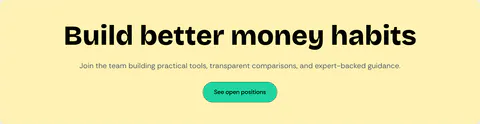
058 Hero Block · Collage Cta Variant -
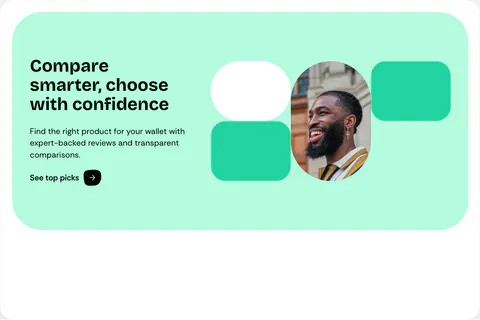
059 Hero Block · Collage Variant -
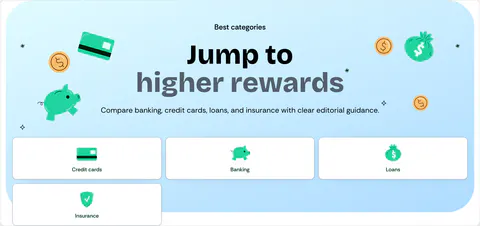
060 Hero Block · Nav Variant -
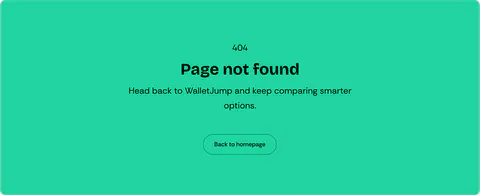
061 Hero Block · Not Found Variant -

062 Hero Block · Page Title Variant -

063 Hero Block · Simple Variant -
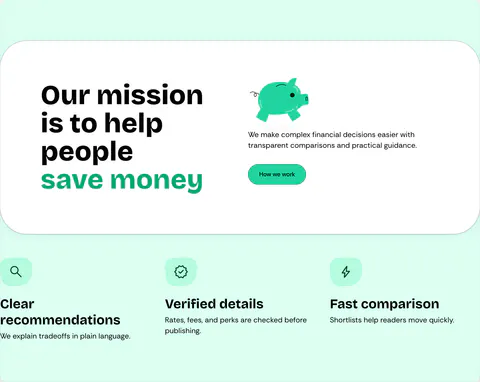
064 Mission Block · Default Variant -

065 Mission Block · Large Card Homepage Variant -

066 Navigation Promo Card · Alternate Variant -
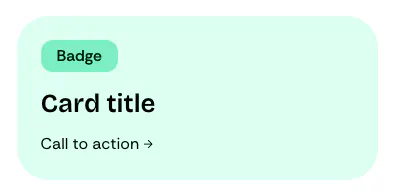
067 Navigation Promo Card · Default Variant -
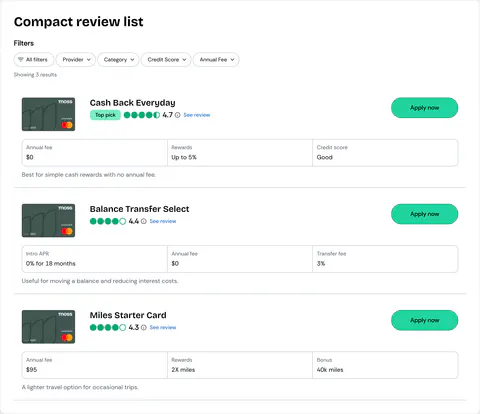
068 Product Review Grid Block · Compact List Variant -
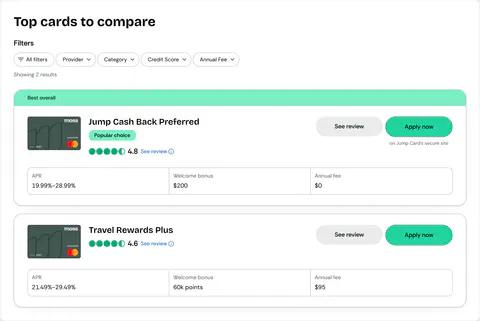
069 Product Review Grid Block · Comparison List Variant -
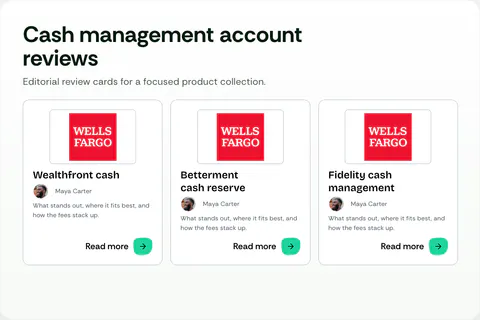
070 Product Review Grid Block · Review Hub Variant -
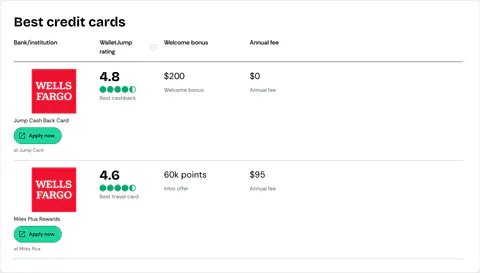
071 Product Table Block · Credit Card Variant -
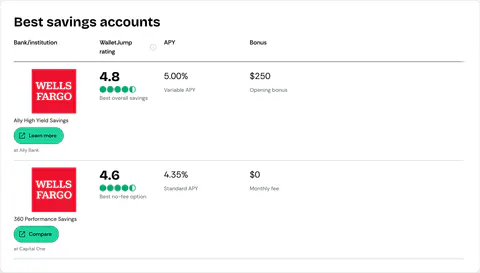
072 Product Table Block · Savings Variant -
073 Promo Module · Default Variant -

074 Review Callout Embed · Default Variant -

075 Review Callout Embed · Error Variant -

076 Review Callout Embed · Quick Answer Variant -

077 Review Callout Embed · Success Variant -
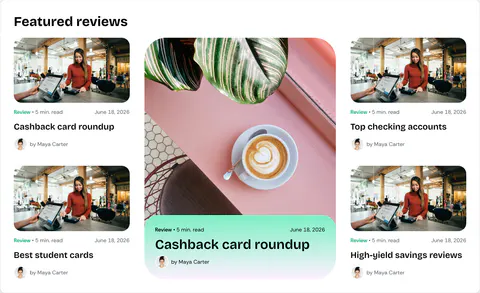
078 Review Collection Block · Featured Grid Variant -
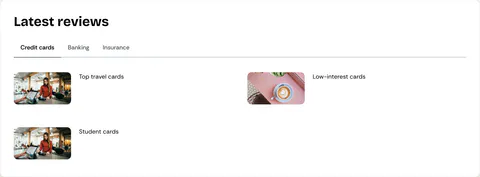
079 Review Collection Block · Tabbed Cards Variant -
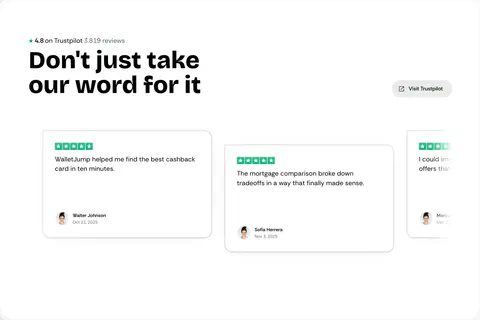
080 Reviews Block · Ratings Carousel Variant -
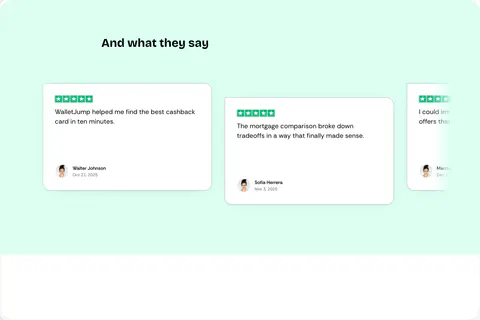
081 Reviews Block · Testimonials Carousel Variant -

082 Social Proof Block · Combined Variant -

083 Social Proof Block · Featured In Variant -

084 Social Proof Block · Partner Slider Variant -
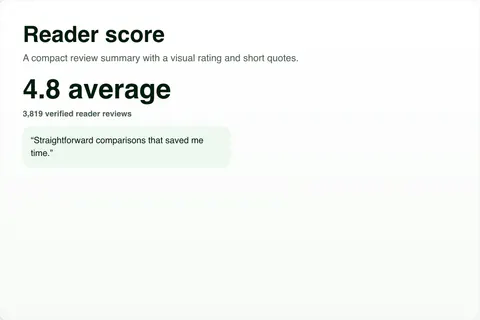
085 Social Proof Block · Reviews Variant
Reflection
The toughest part was deciding where each kind of data should live.
Pages keep presentation, source documents keep reusable content, and one renderer serves both Sanity and Astro. That is what let me reuse content without taking layout control away from the page.
The number I never got is editorial time. If I started again I would time a common change on day one and watch where editors stall before publishing, because that is the part a sitemap count cannot tell you.
View WalletJump live (opens in a new tab)↗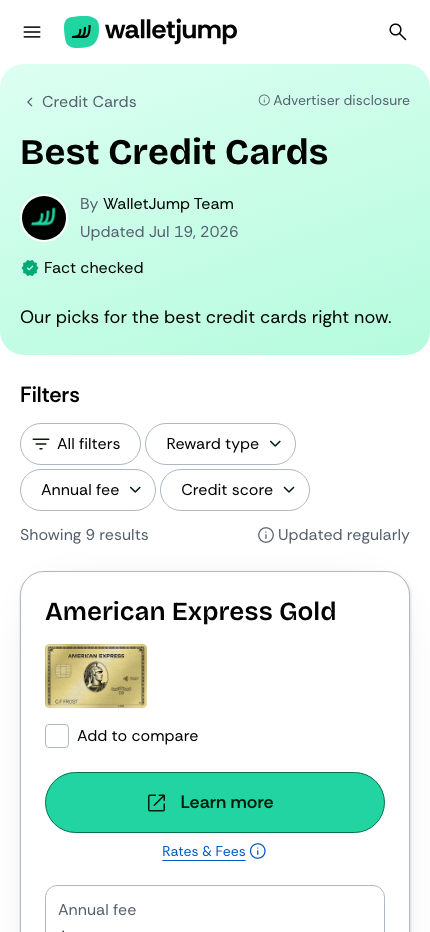
My work on the project
System architecture
Defined ownership and data flow between content, components and routes.
Product engineering
Built the public frontend, component library and editorial interfaces.
Publishing operations
Built migrations, previews, tests, search, media sync and backups.
Full scope and stack
Implementation
- 01Shared component library with responsive variants and accessible interactions.
- 02Page templates for comparisons, reviews, articles and marketing pages.
- 03Sanity schemas, page builders, previews, route resolvers and migrations.
- 04Cloudflare Workers for search, forms, image synchronisation, and backups.
- 05Route, component, content and screenshot tests.
Technical stack
- Astro 6
 React 19
 TypeScript
- Sanity
- GROQ
 Storybook
 Figma Code Connect
- React Aria
- Cloudflare Workers
- AI Search
- D1
- KV
- Images
- R2