Fotogeprint
Designed and built the front-end for Fotogeprint, a photo printing e-commerce platform, over a year-long engagement.
- Role
- Designer + Front-end
- Period
- 2019
The problem
Fotogeprint prints photos on wood, aluminium, plexiglass, Dibond, Forex, canvas and garden posters. Every order combines a photo, a material, a size and some finishing, and several of those options change the price. All of those choices sit on the page, in an order that is easy to follow.
Approach
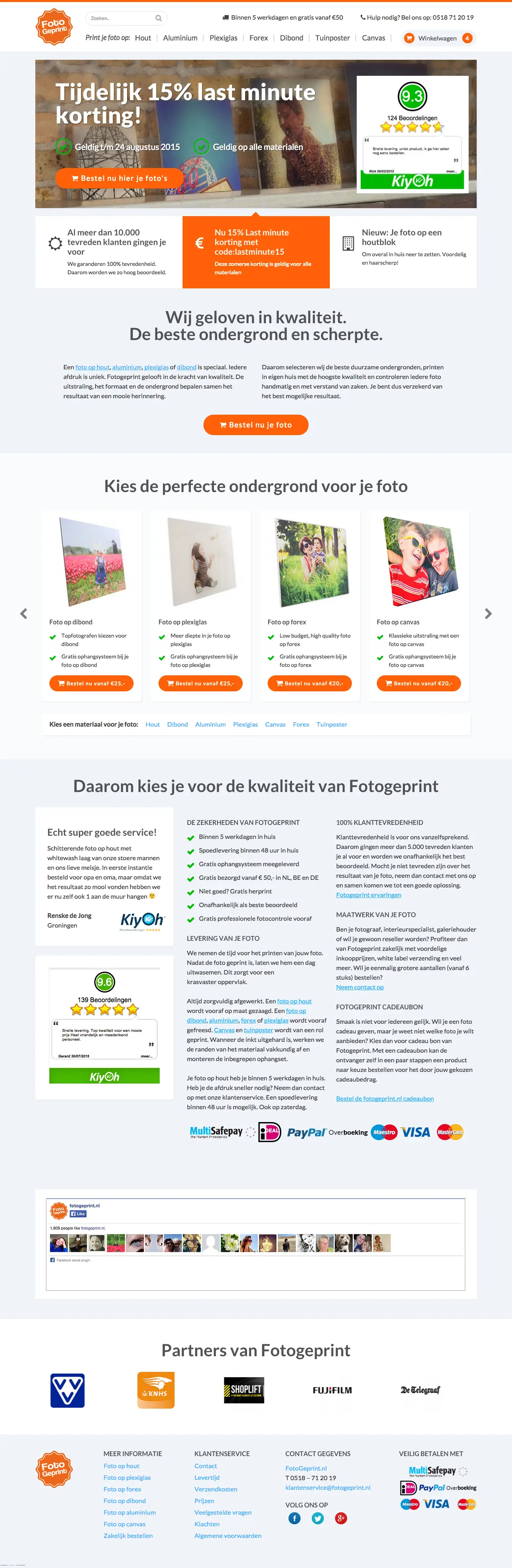
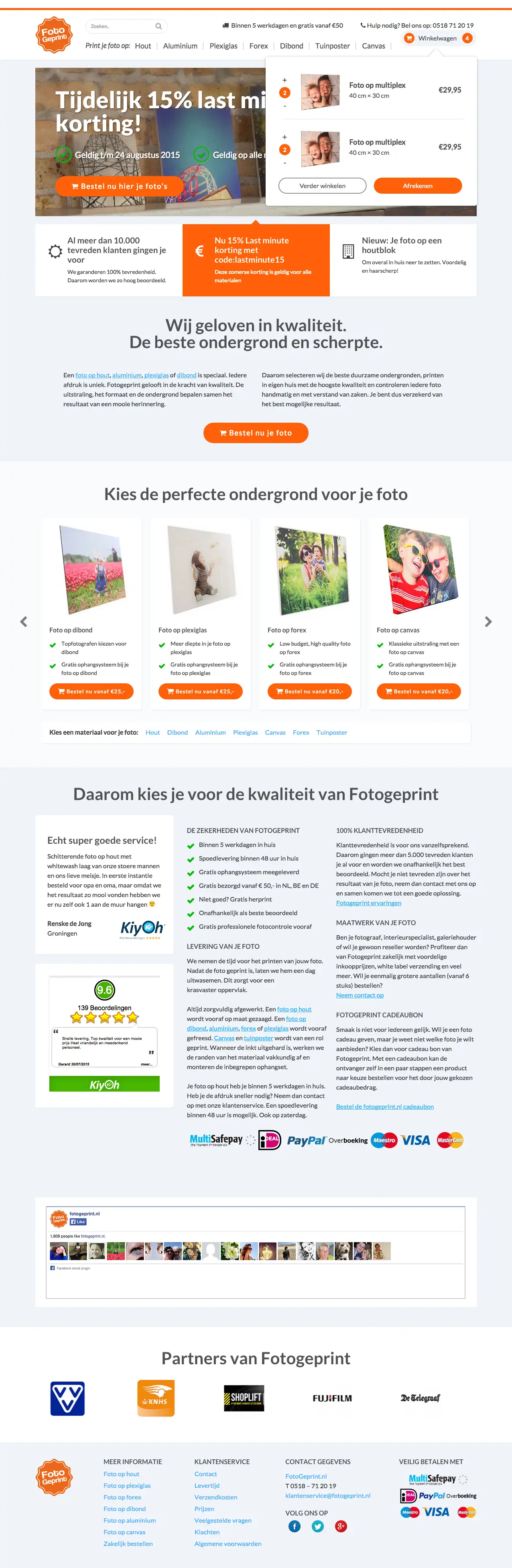
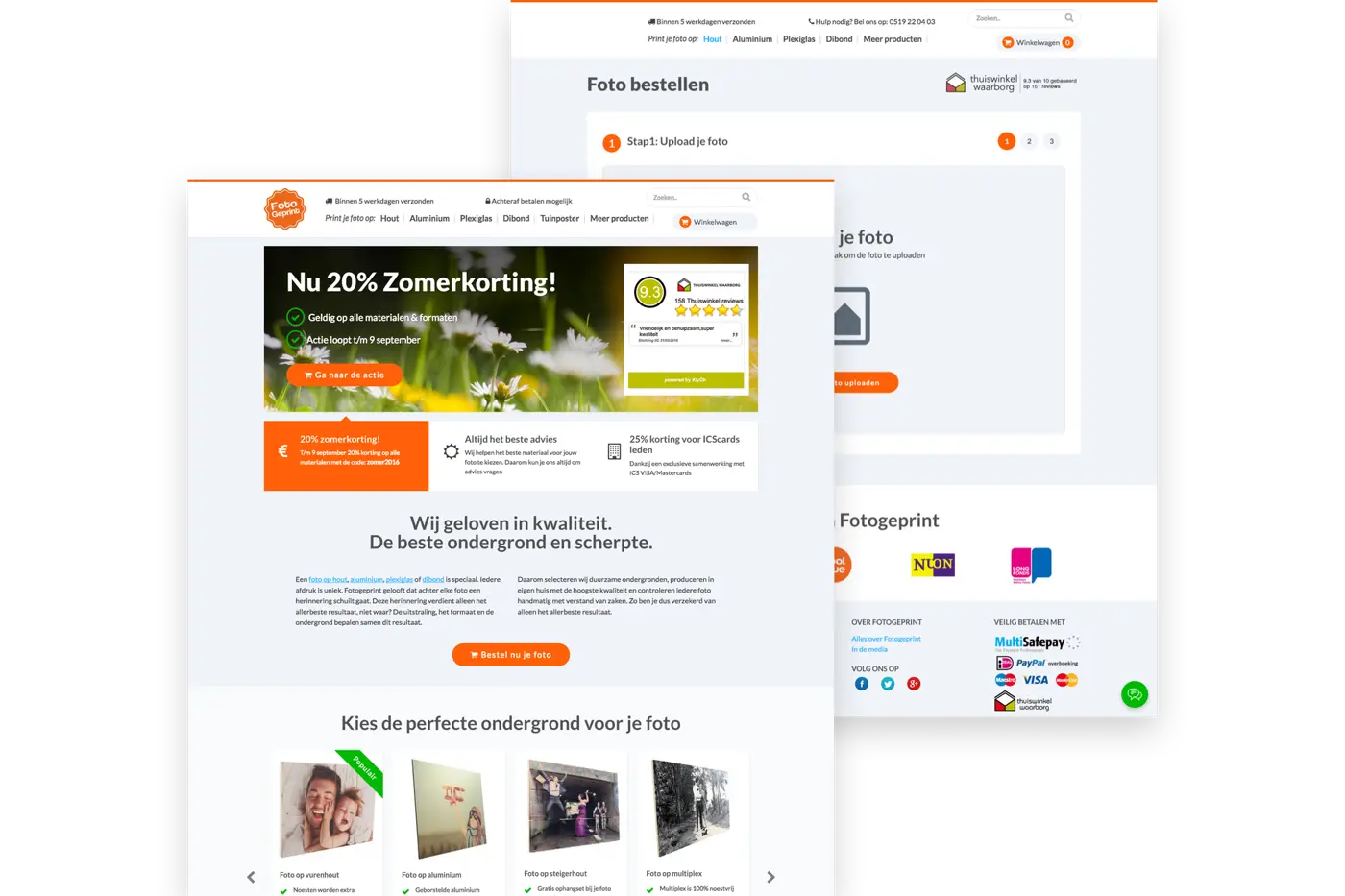
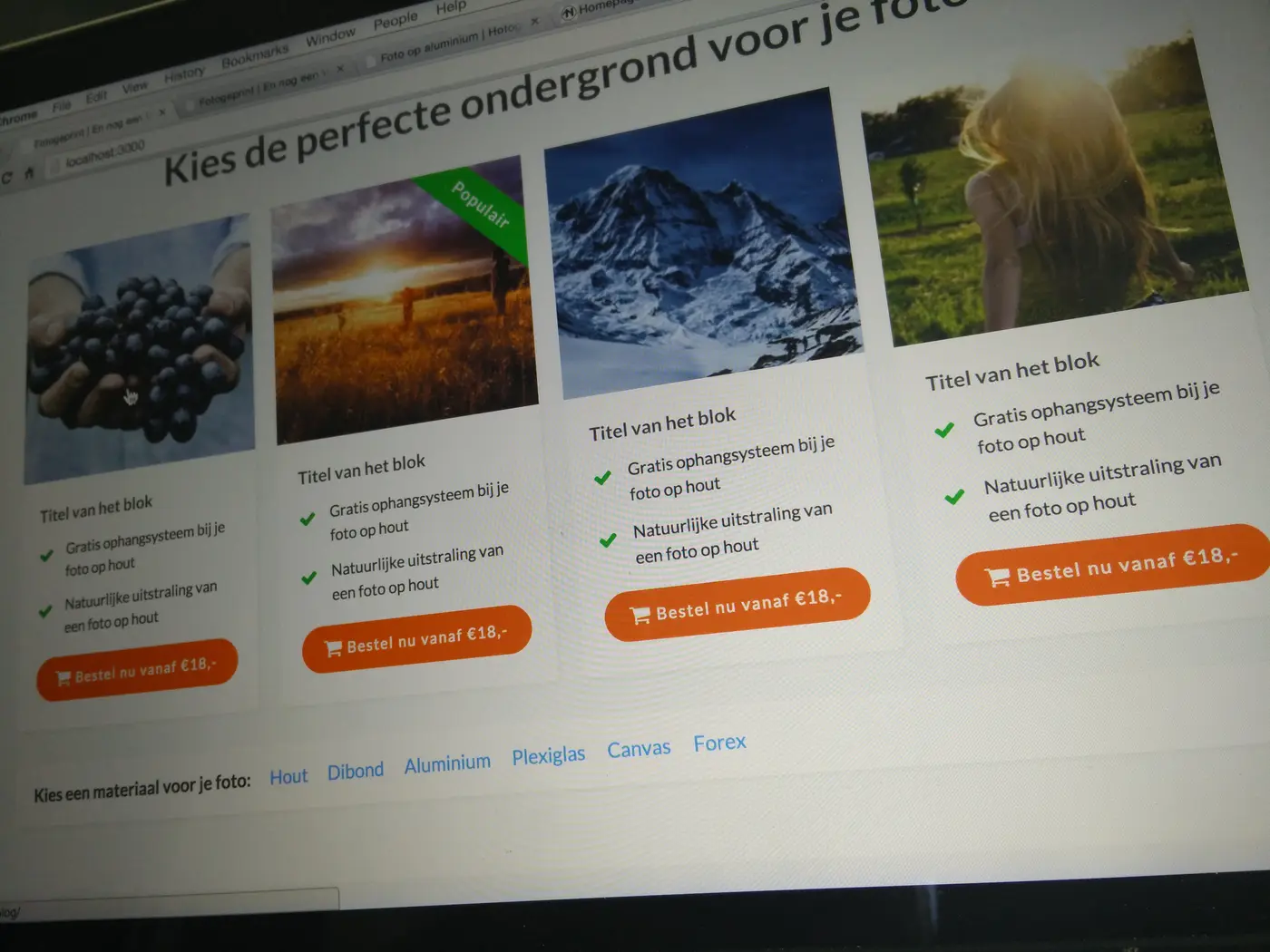
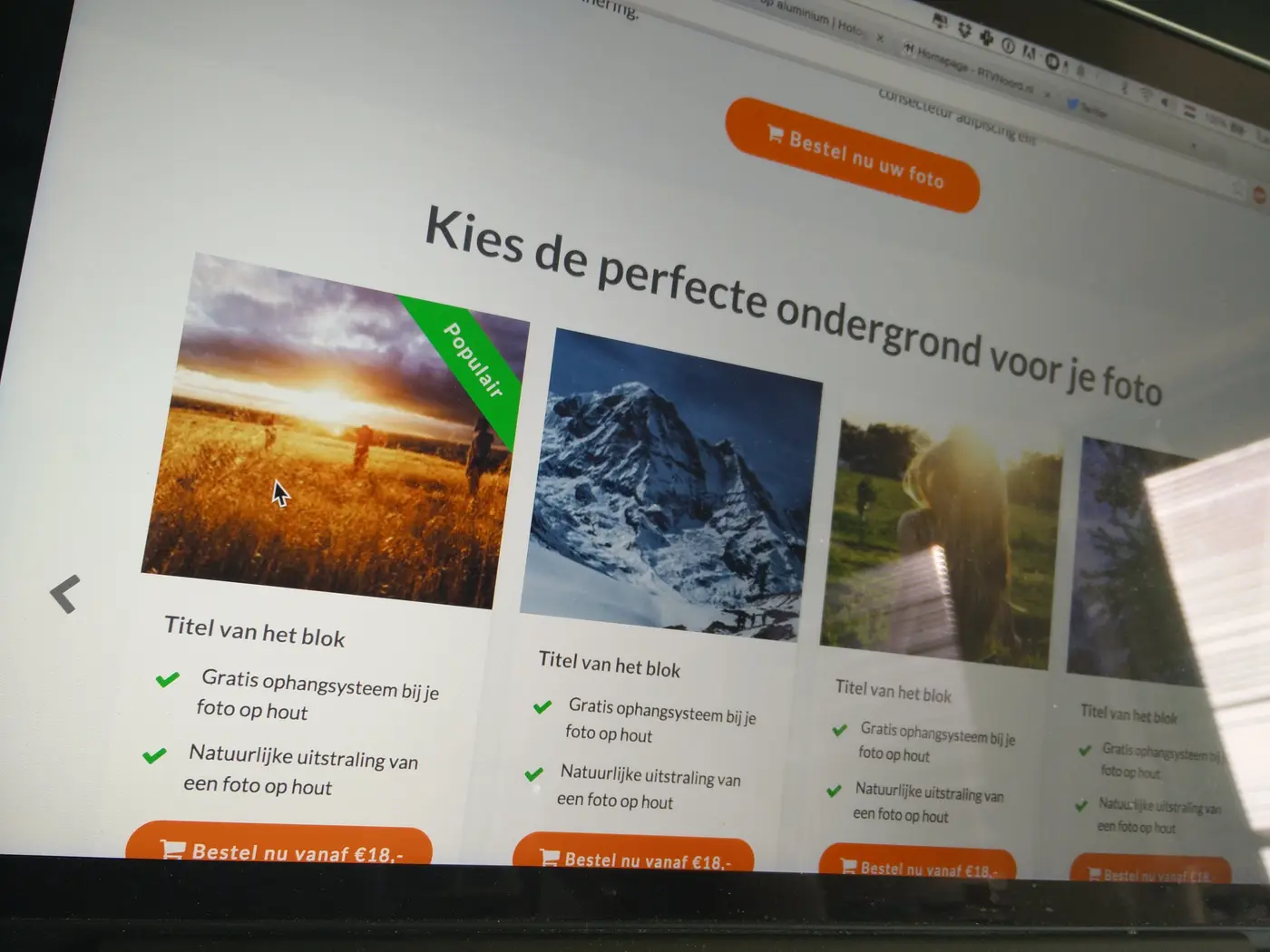
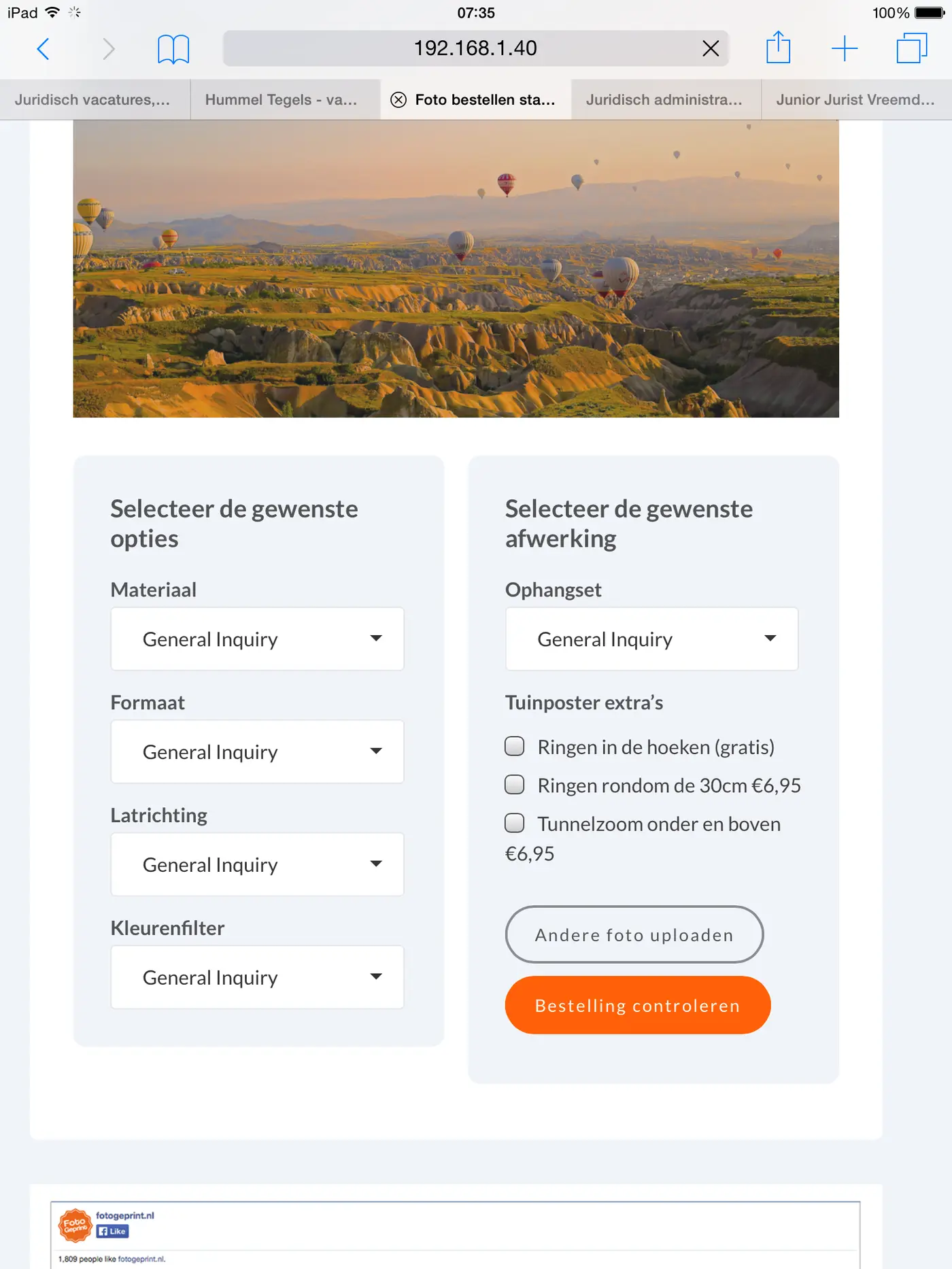
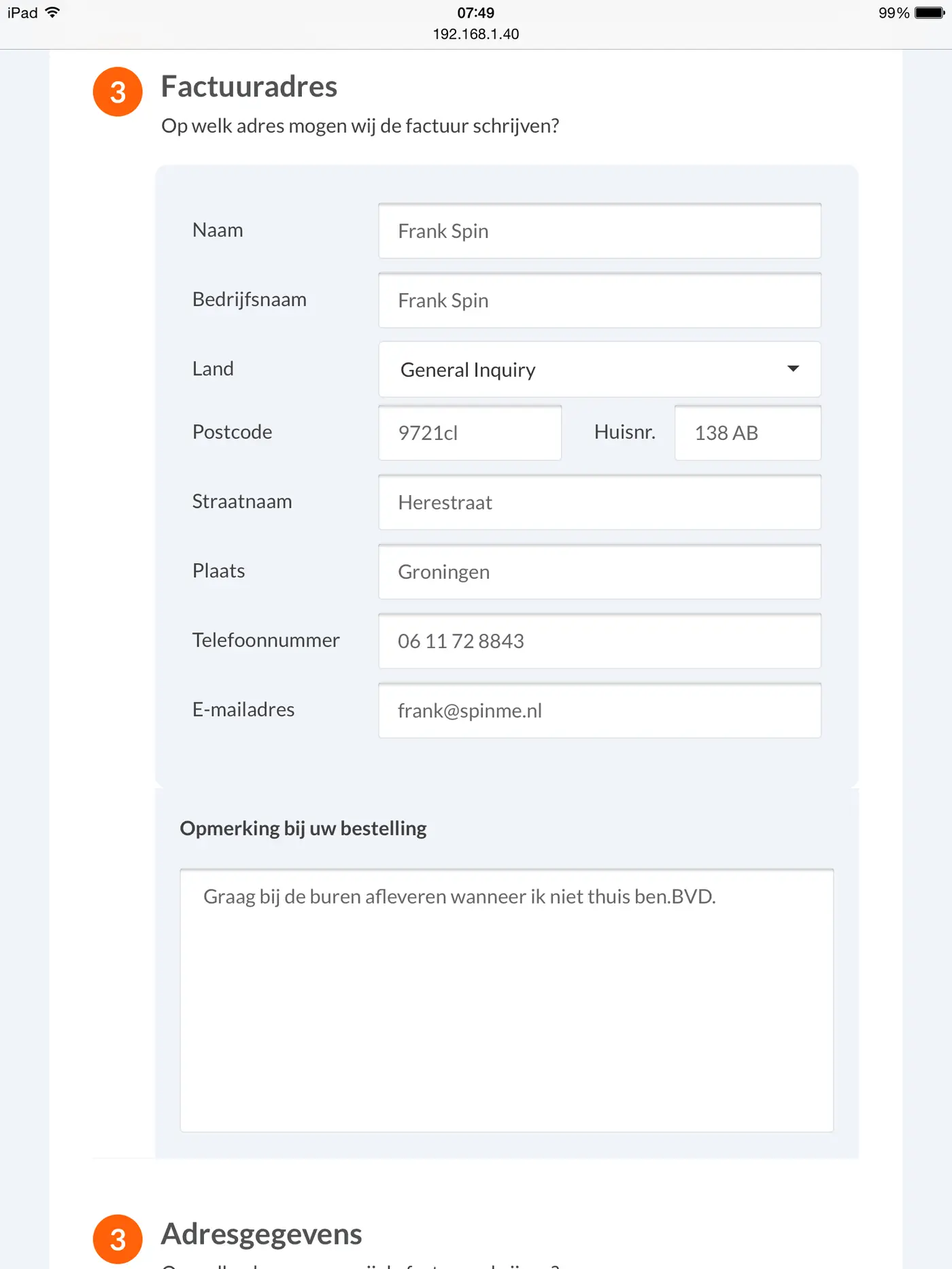
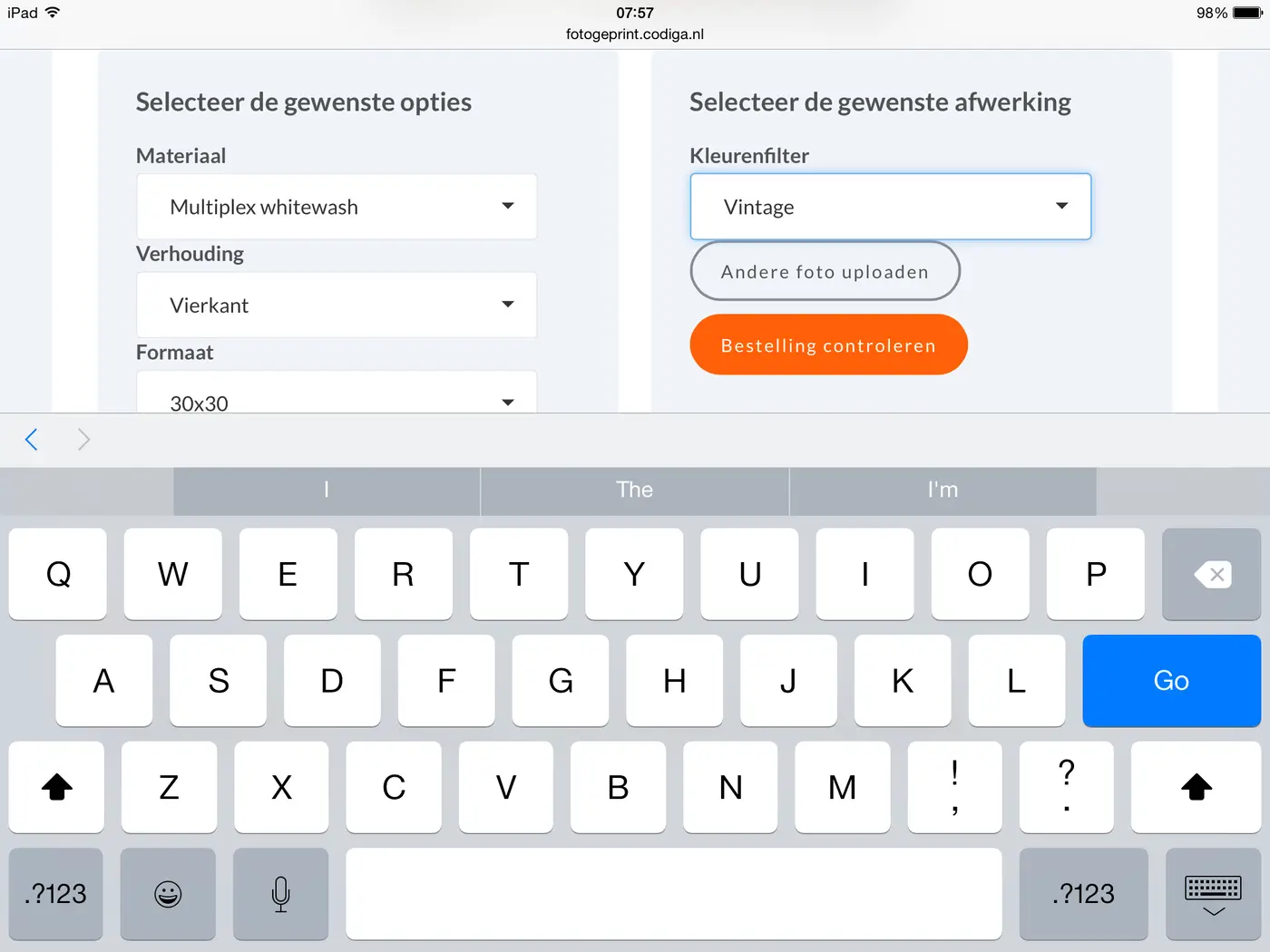
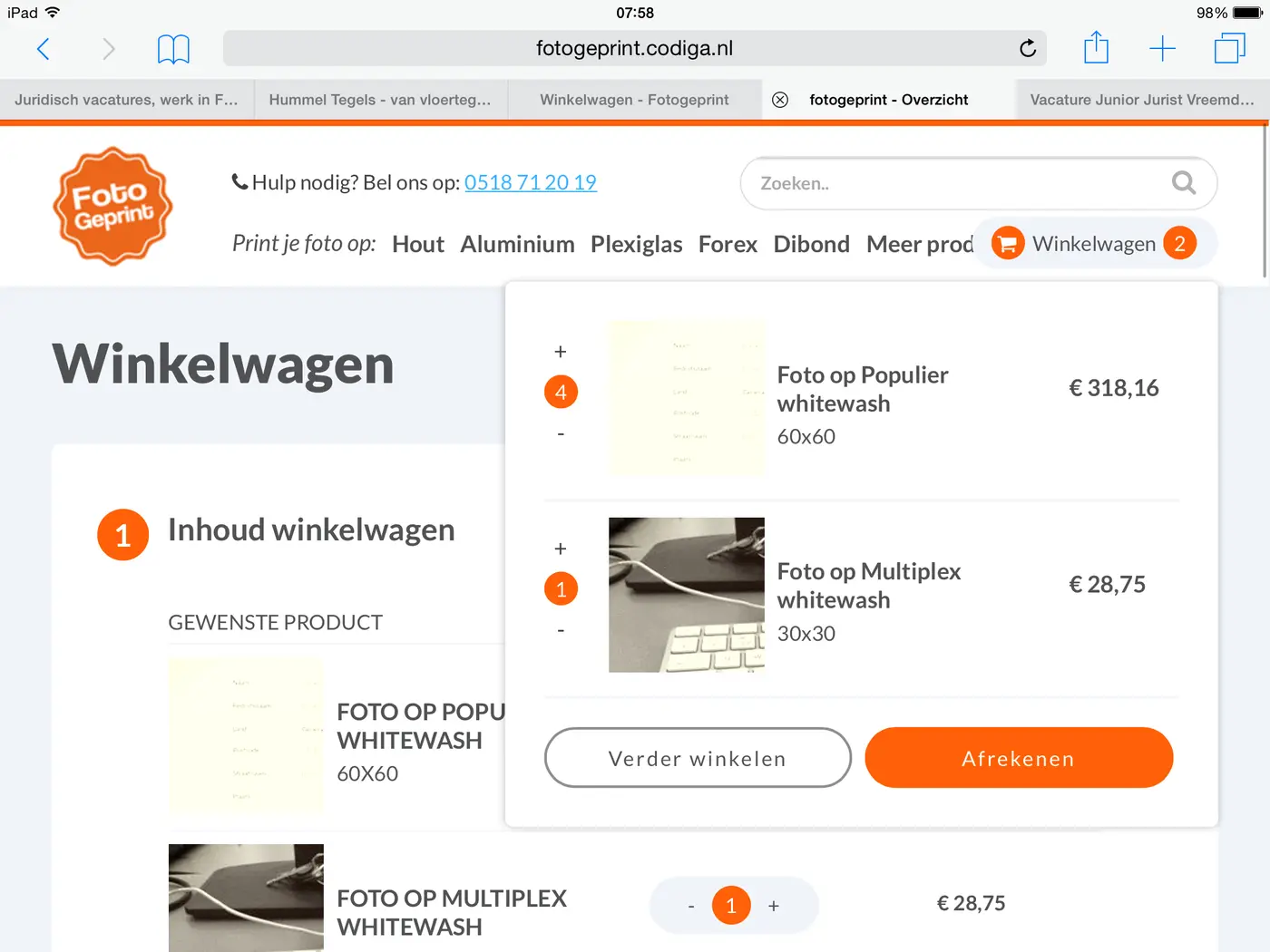
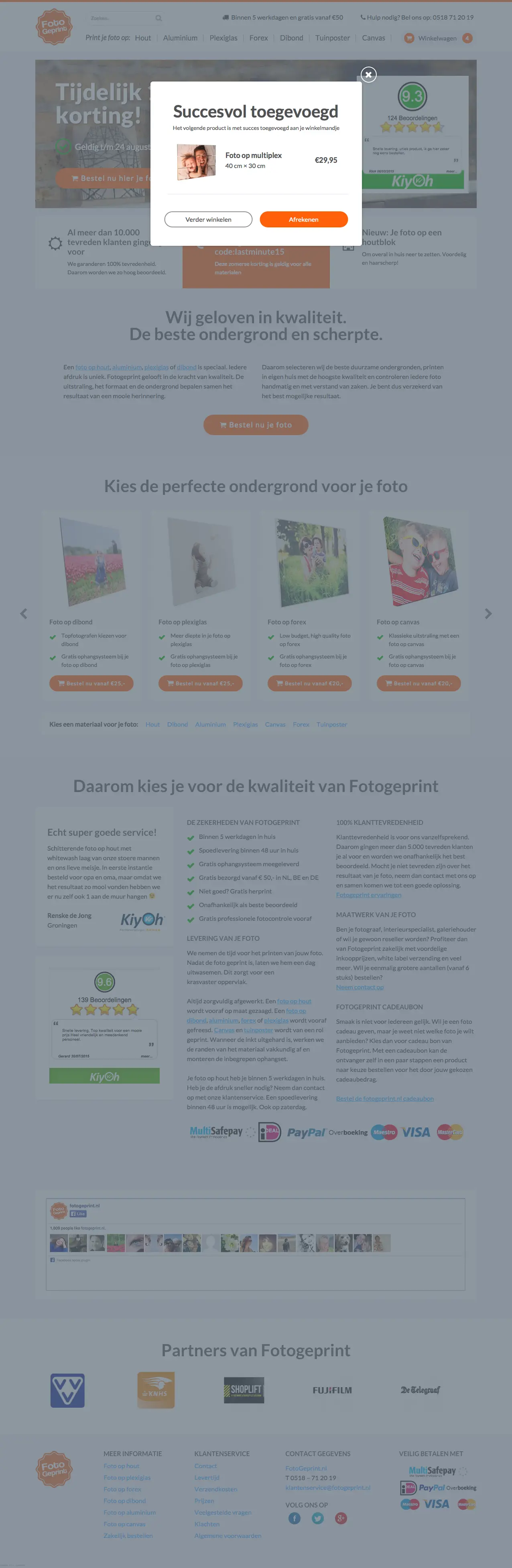
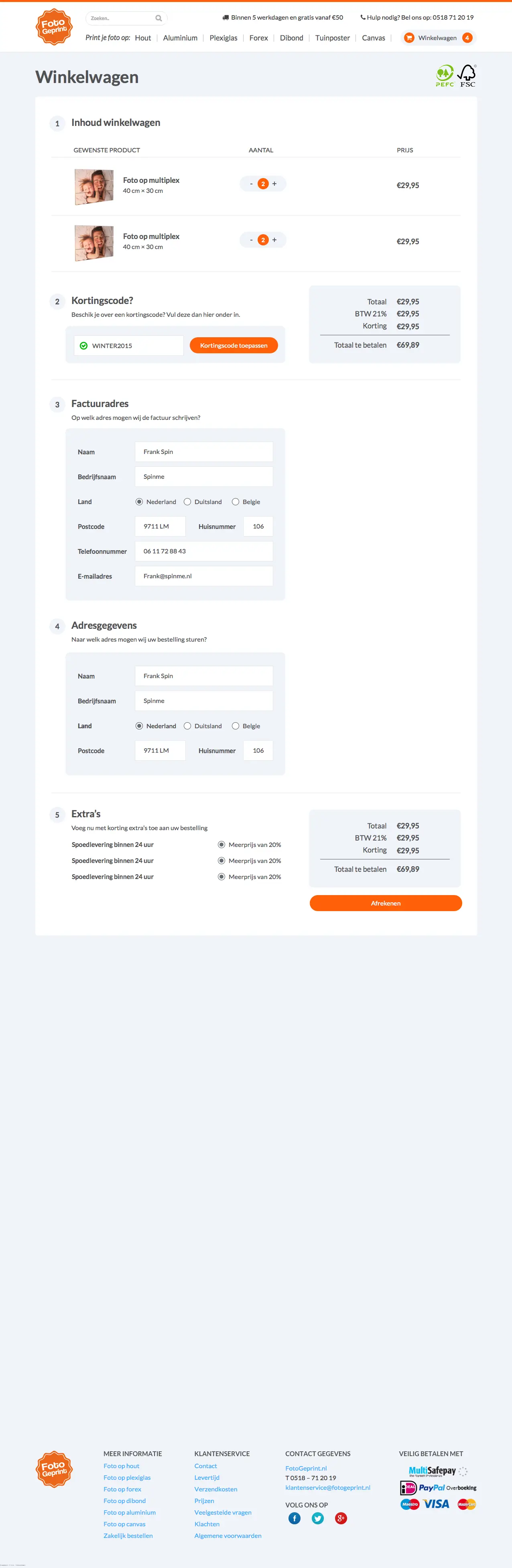
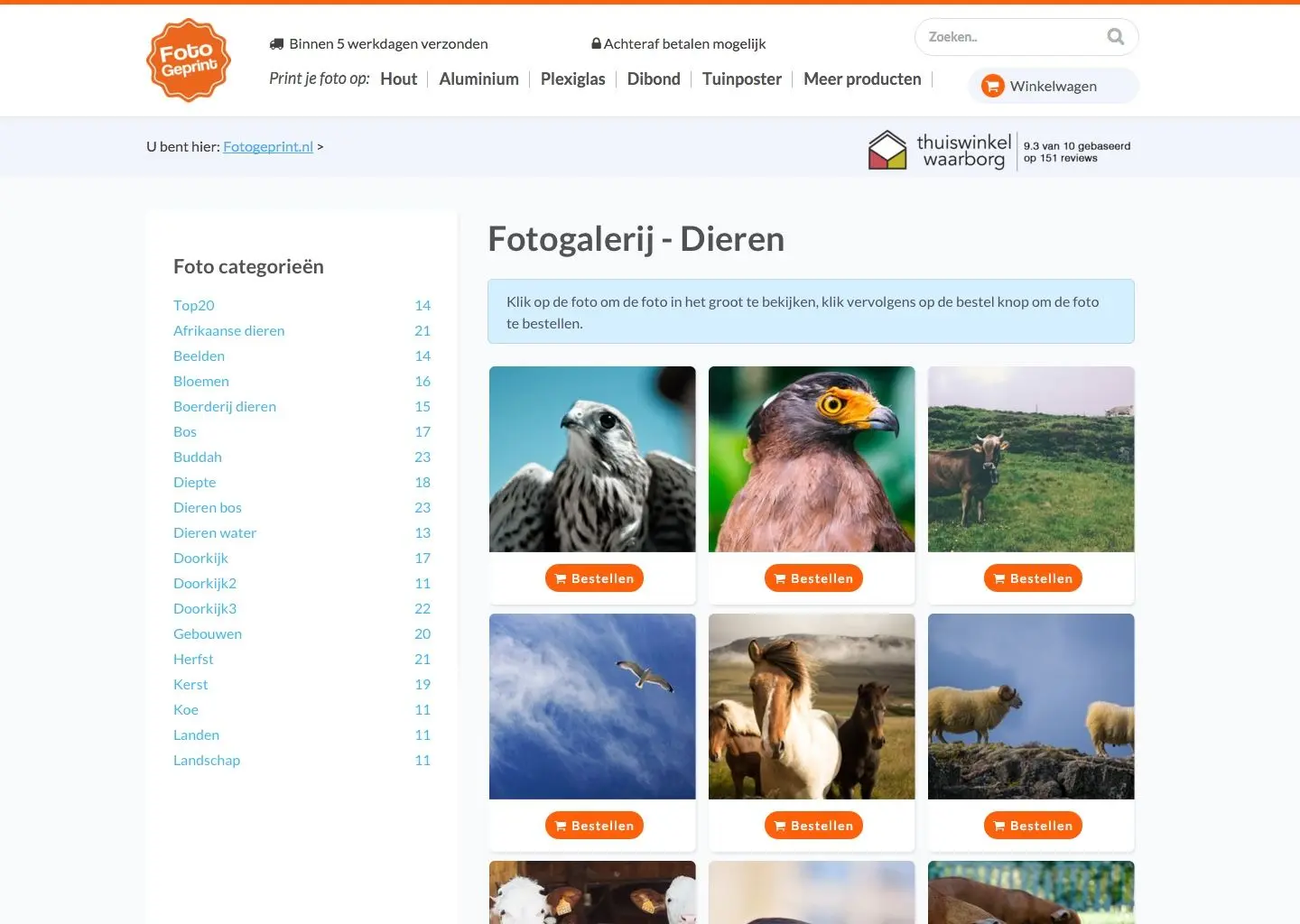
I designed the front-end and built it. The header lists the materials as a row of links, so you can start from a material. The homepage shows the materials in a slider, each with two short selling points and a starting price. Ordering takes three steps and begins with uploading a photo. After that, two panels sit side by side: options on the left, such as material, ratio, size and colour filter, and finishing on the right, such as a hanging kit or rings and a hem for garden posters. Adding something to the cart brings up a pop-up with a thumbnail and the price, and the cart in the header opens as a short list. For people without a photo of their own there is a gallery of stock photos sorted by theme.
Outcome
Fotogeprint got a front-end where the product pages, the order steps and the cart share one look: white panels, orange buttons and the same header. The delivery time and the review score sit at the top of every page.
What changed
- Materials in the header, one click away from every page.
- A three-step order flow that starts with uploading a photo.
- Options and finishing in two panels side by side.
- A stock photo gallery sorted by theme.