ConversionKit
Designed the web app and built the HTML front-end for ConversionKit, a platform for adding conversion-boosting elements to websites.
- Role
- Designer + Front-end
- Period
- 2018
- Stack
- Design, Figma, HTML
- With
- Design and front-end development by Frank Spin. Concept by Bouke Majoor
The problem
ConversionKit was Bouke Majoor's idea. You add a script to your website and it shows visitors things like a discount pop-up, a newsletter sign-up or a sticky bar, then counts how many of them turn into leads. The landing page names Shopify, Magento, WordPress and other platforms, so the people setting it up would mostly be shop owners and marketers, not developers.
Approach
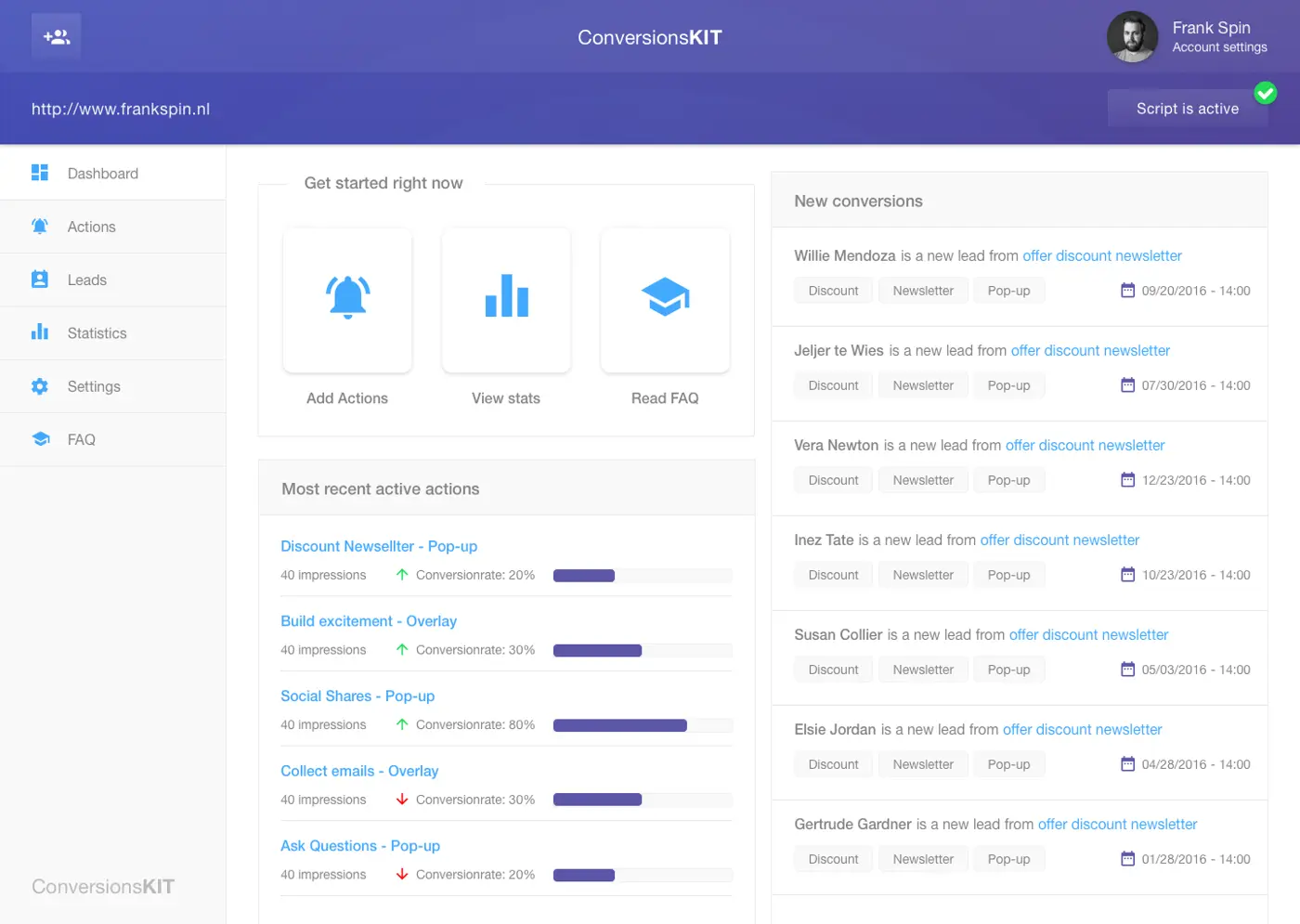
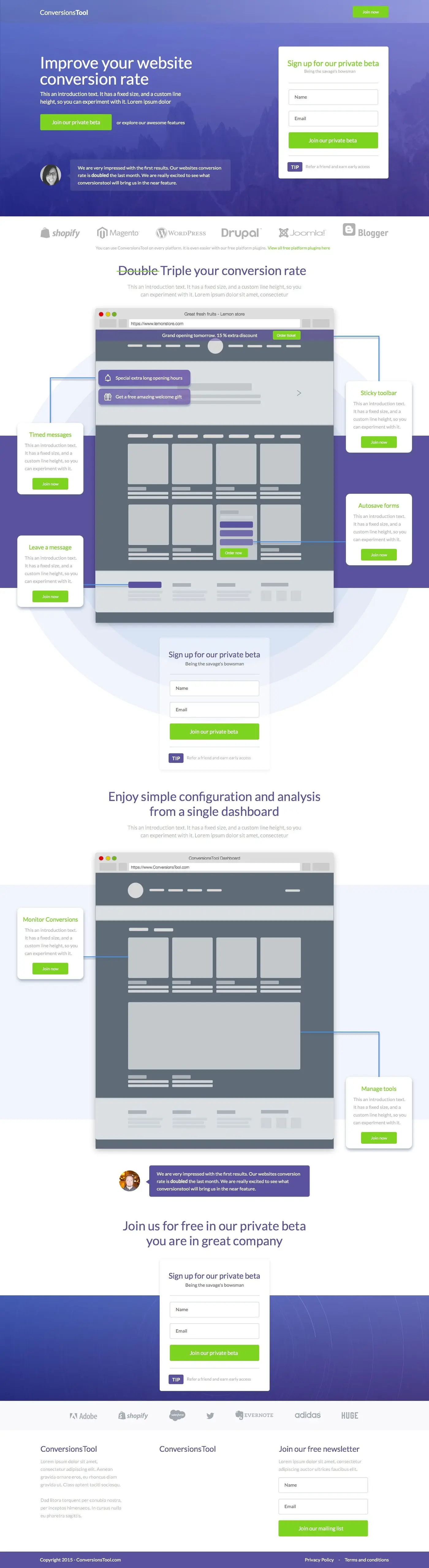
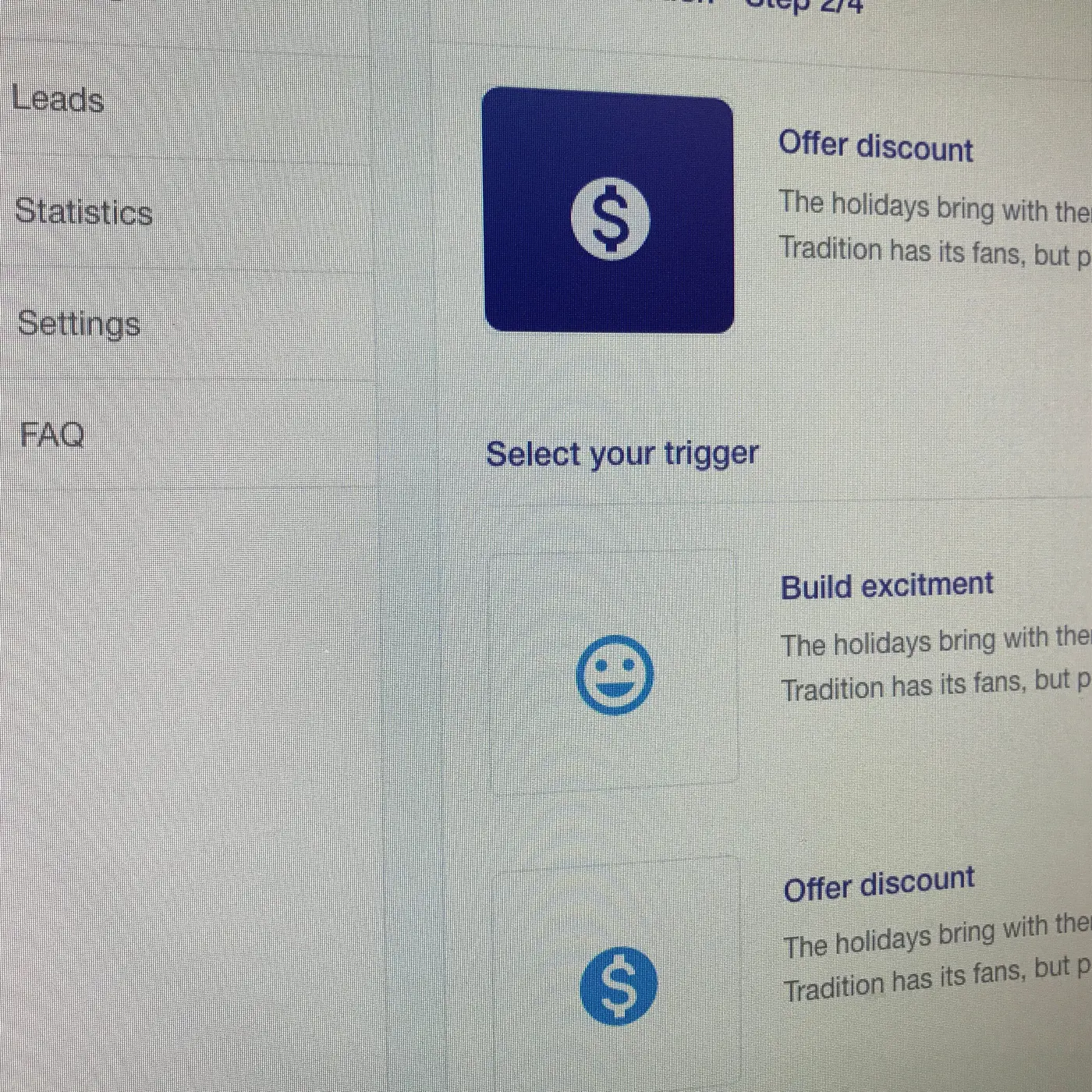
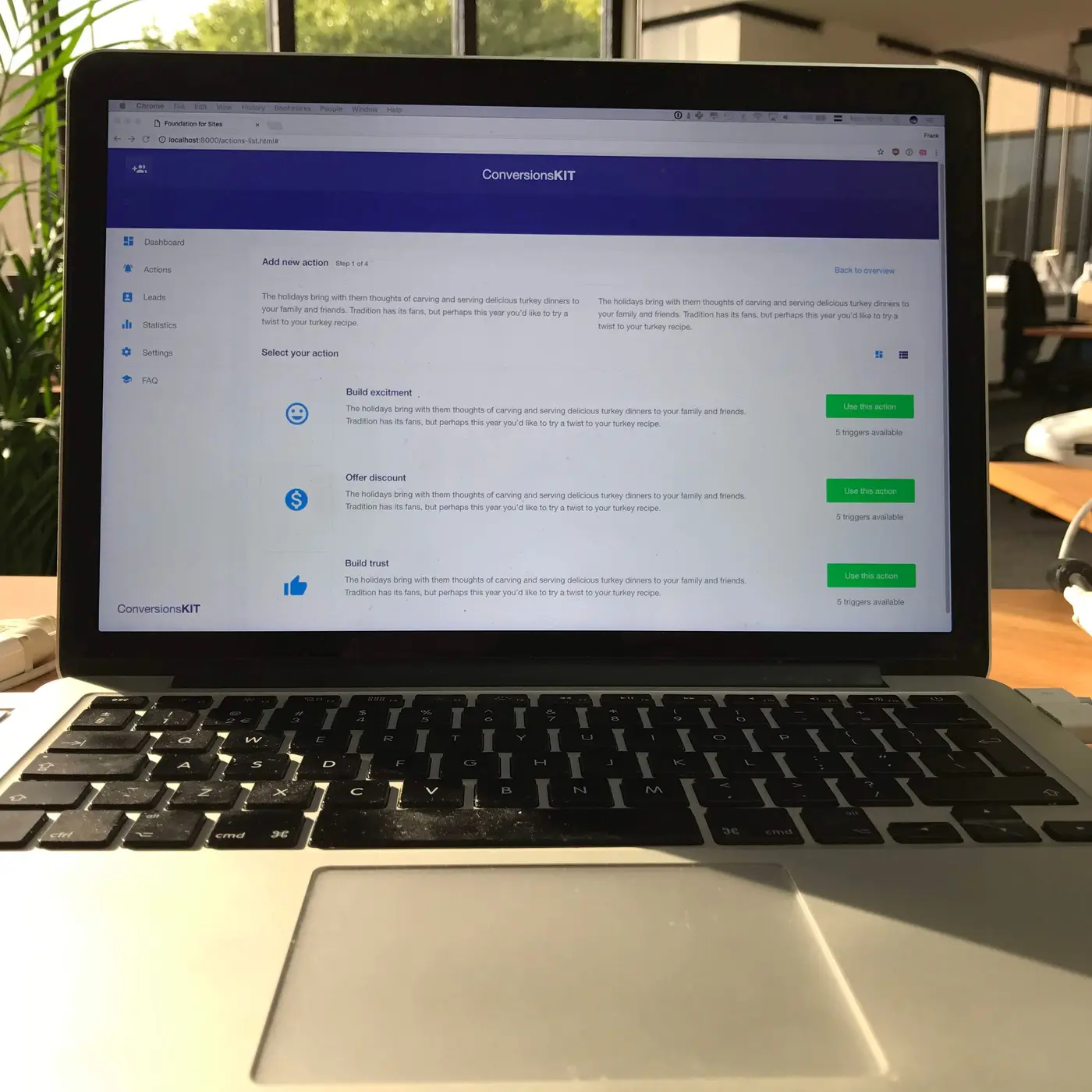
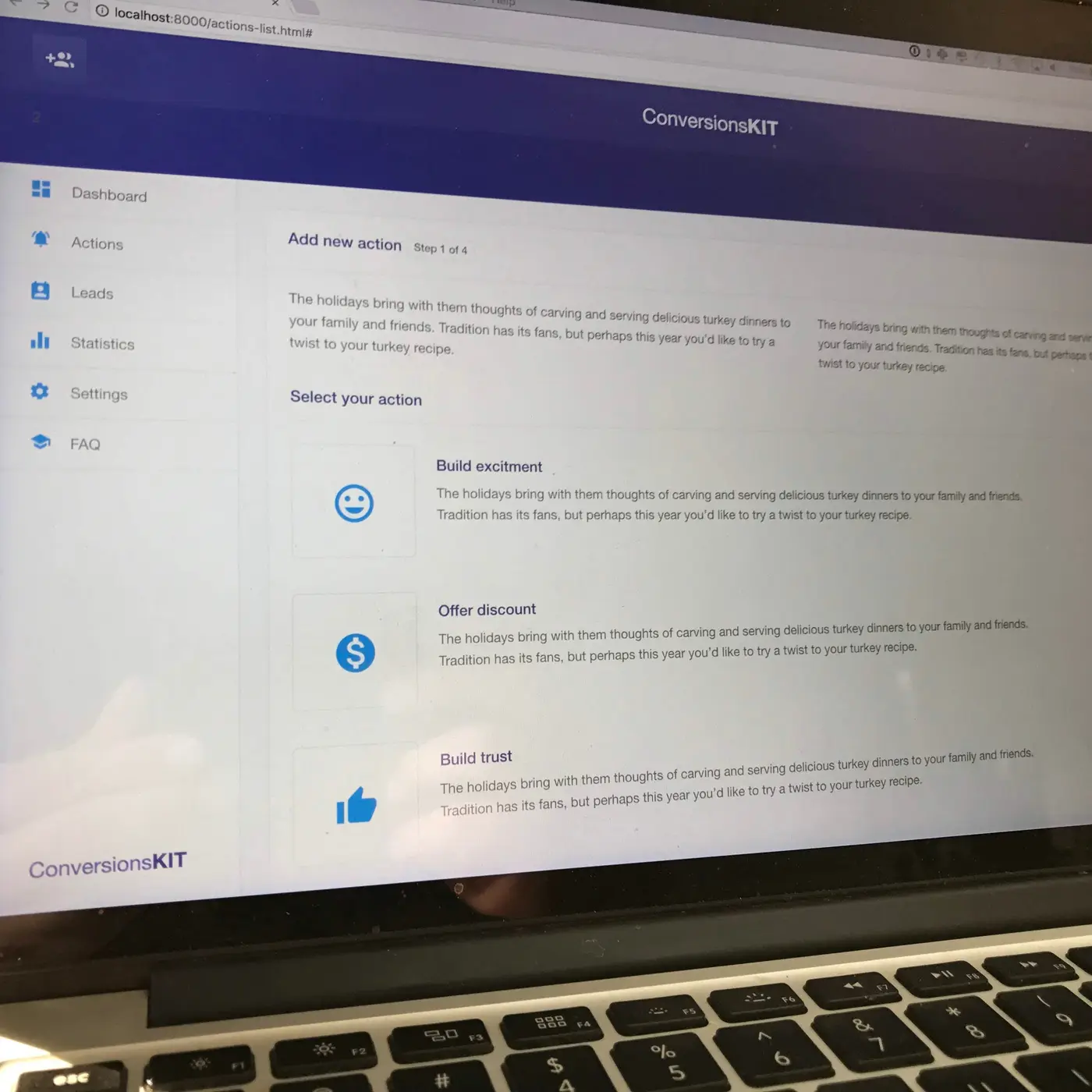
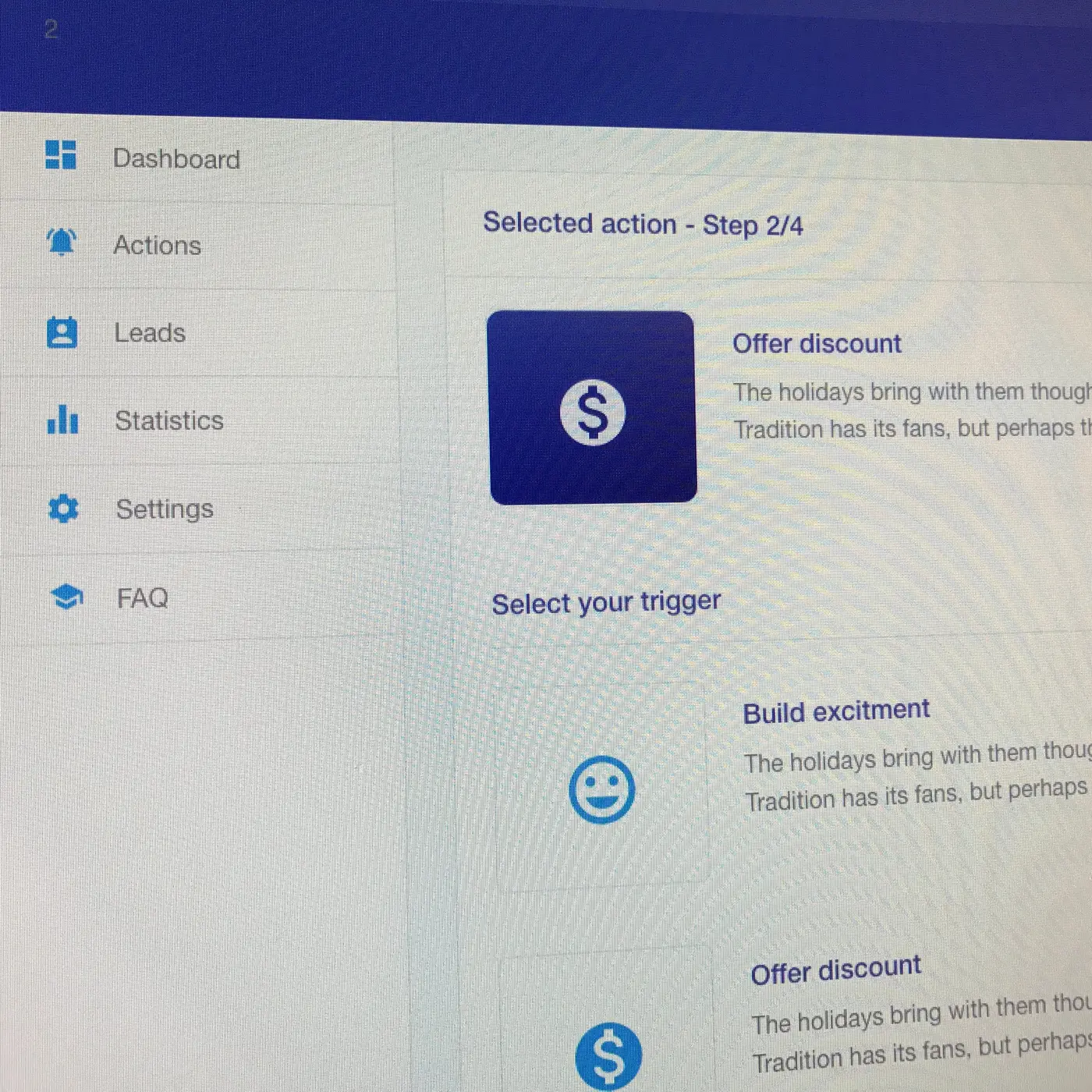
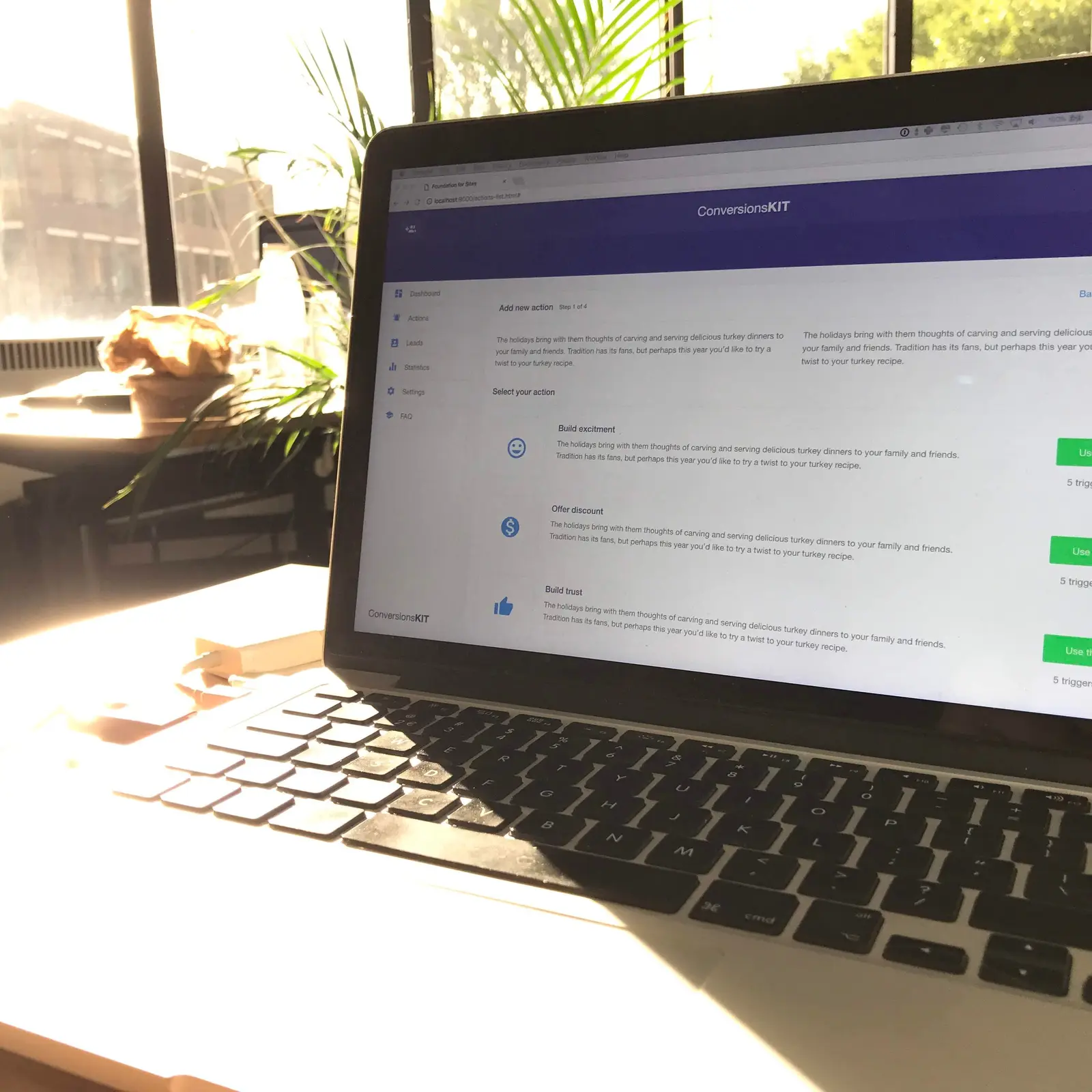
I designed the app and the landing page and built them in HTML. The app sidebar has six items: dashboard, actions, leads, statistics, settings and FAQ. The top bar shows the connected website and whether the script is active. Adding an action is a wizard of four steps. Step one asks what you want to achieve, such as build excitement, offer a discount or build trust, each with a short explanation and the number of triggers on offer. Step two keeps your choice at the top and asks for the trigger. The dashboard puts the latest actions with their conversion rate next to the newest leads. The landing page explains the tools on a drawn website, such as timed messages and autosave forms.
Outcome
The app screens were HTML pages in a browser, not pictures. You could click through the wizard step by step, which tells you more about a flow than a row of mockups.
What changed
- A sidebar with six parts, from dashboard to FAQ.
- A four-step wizard to add an action and pick its trigger.
- Connected site and script status in the dashboard header.
- A landing page with the private beta sign-up three times.